
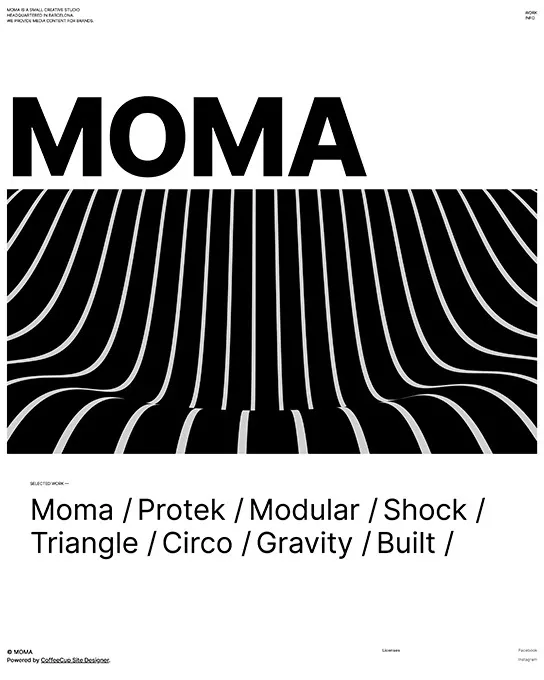
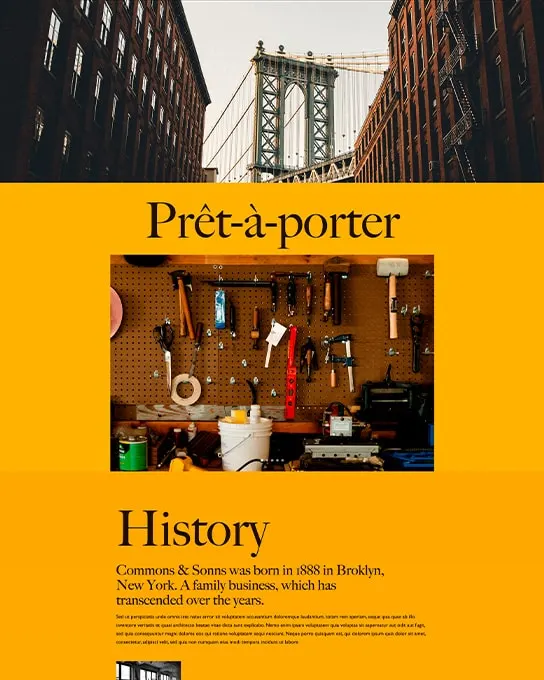
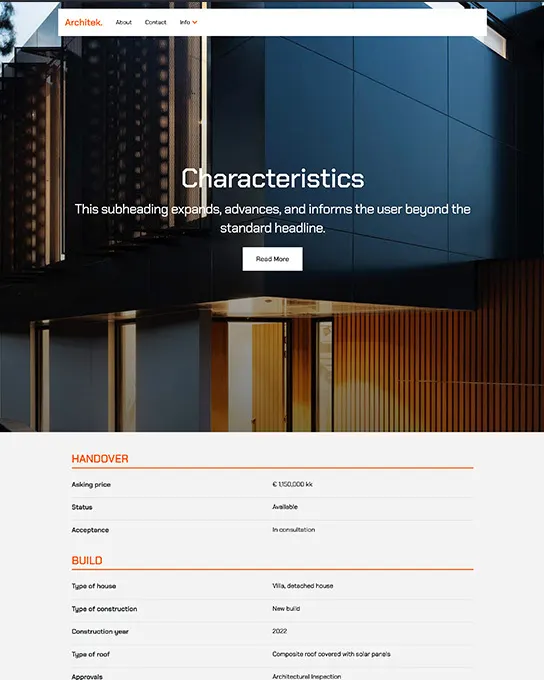
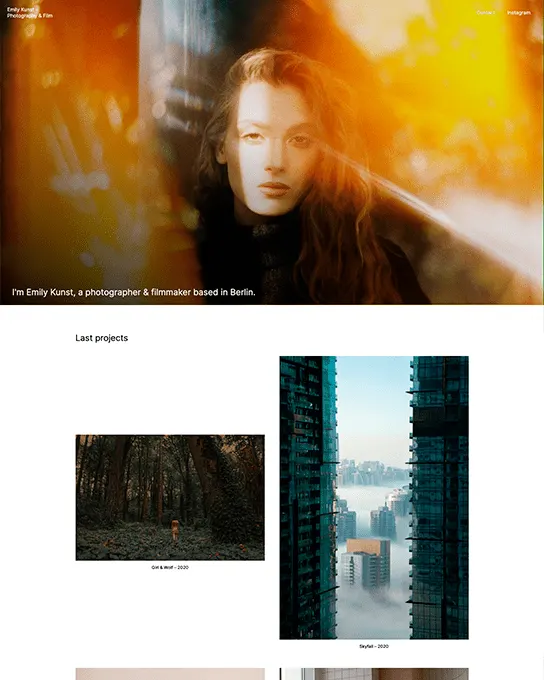
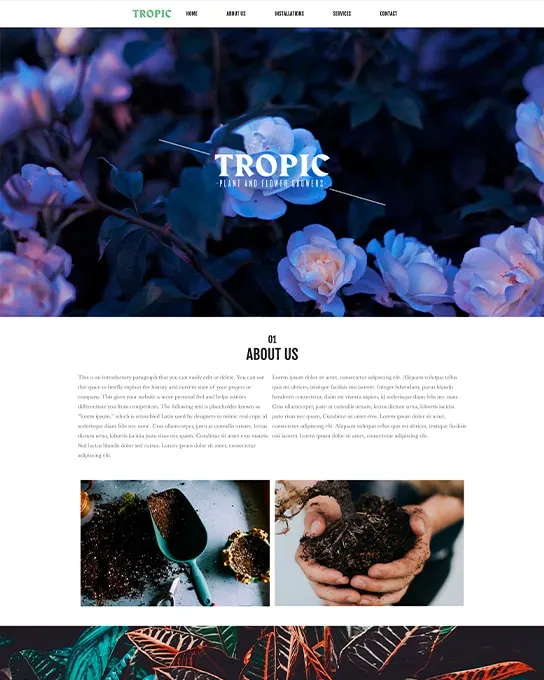
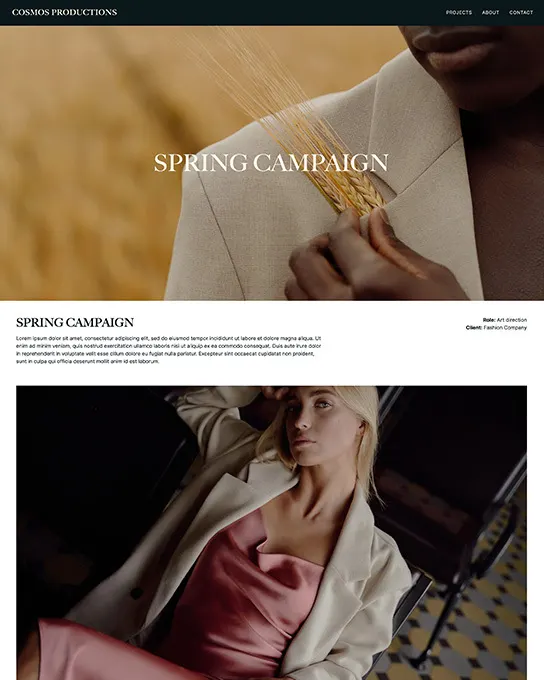
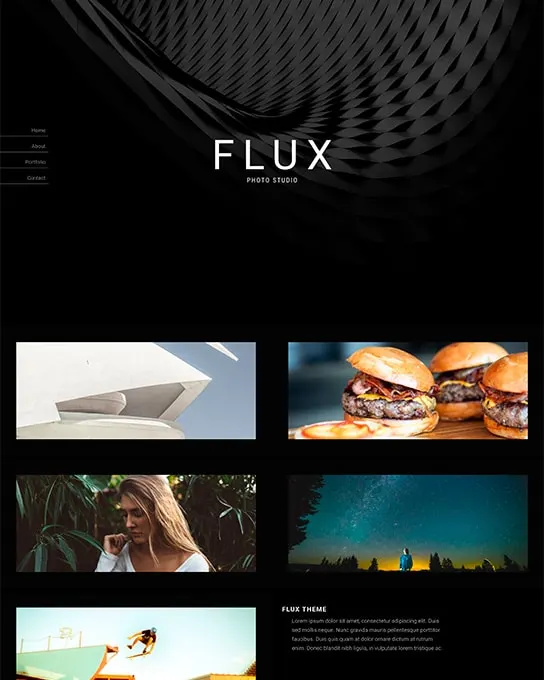
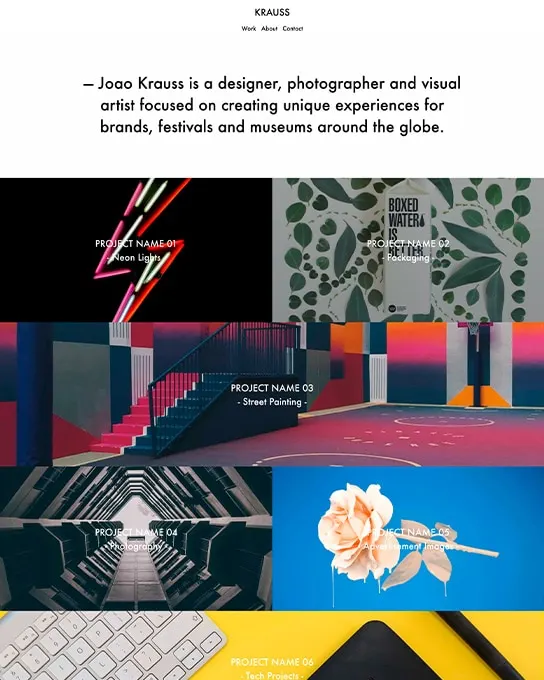
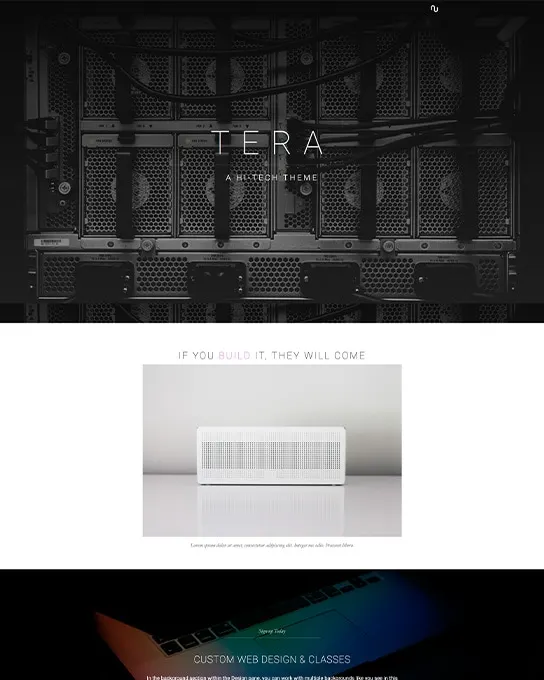
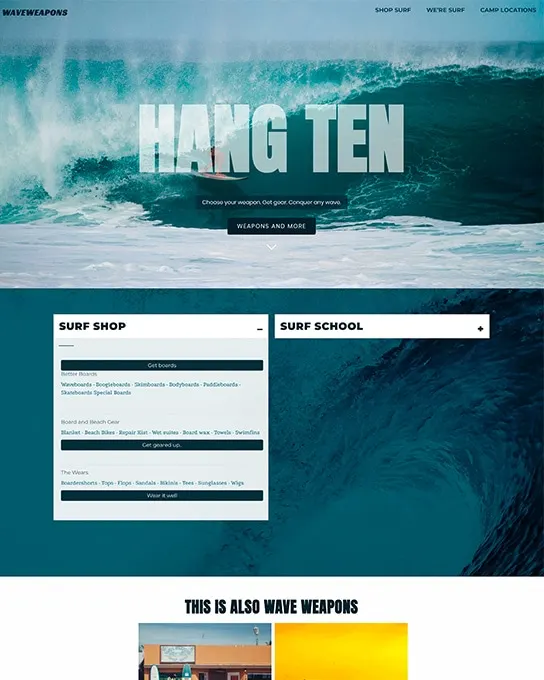
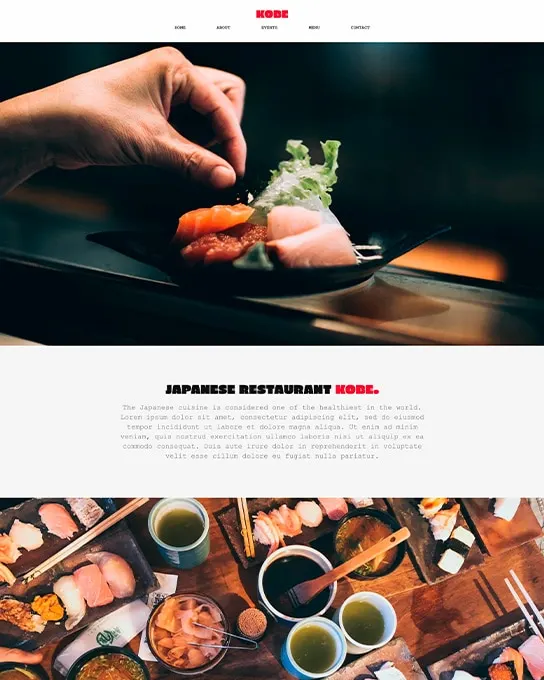
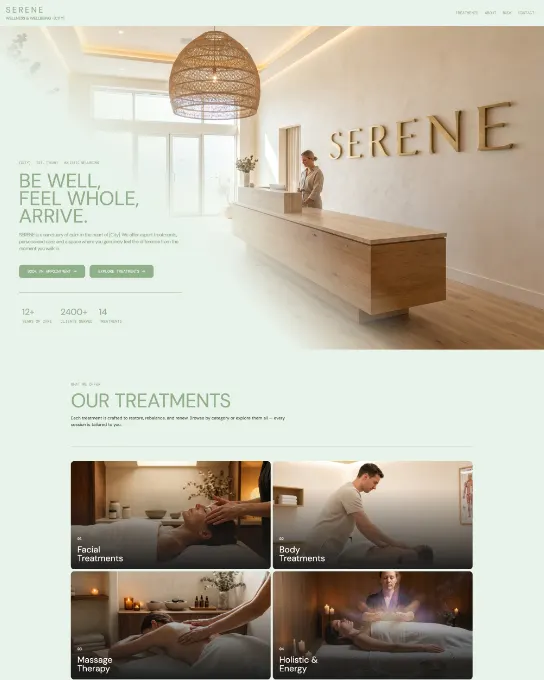
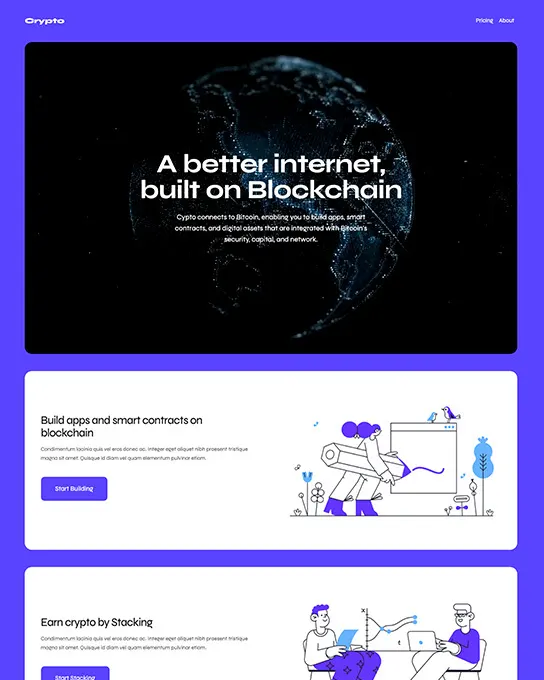
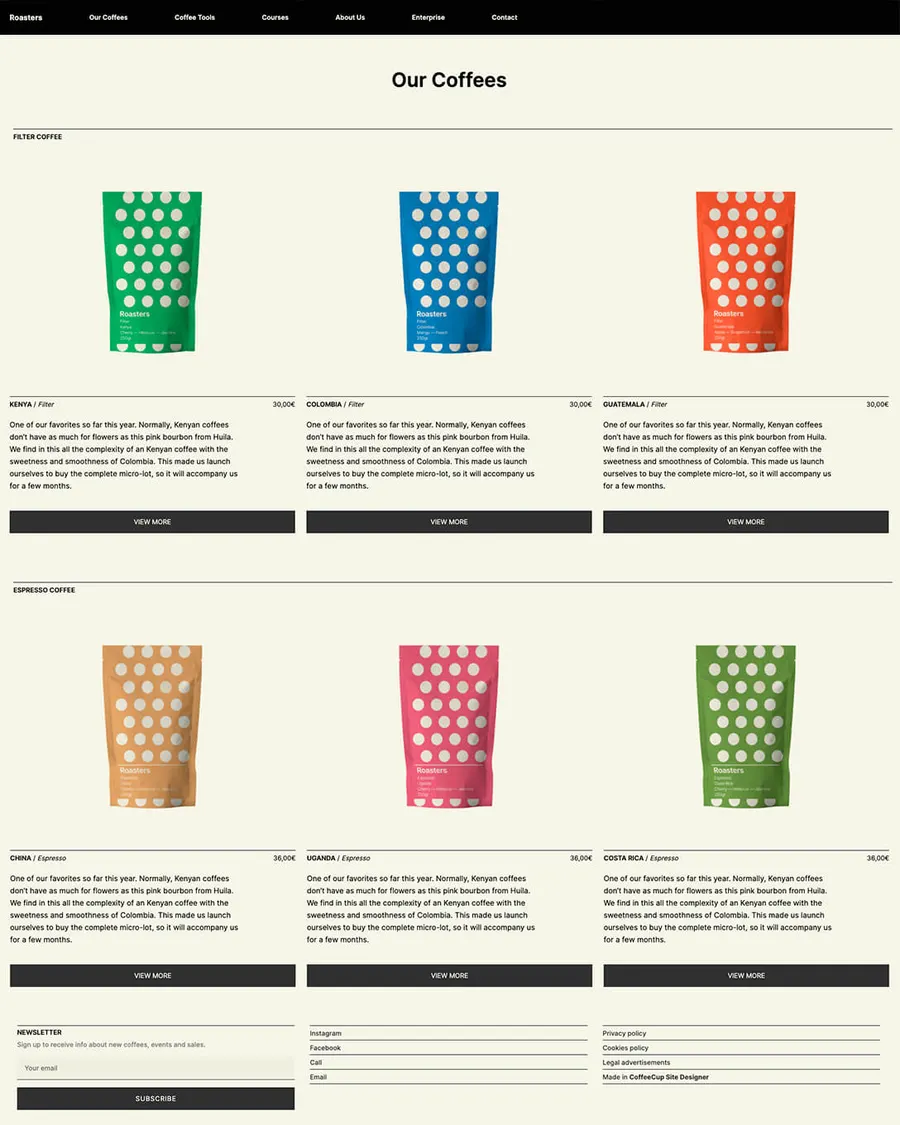
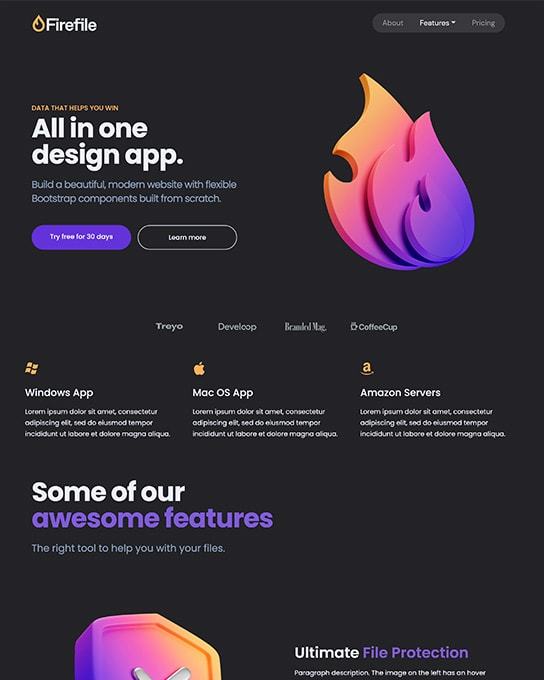
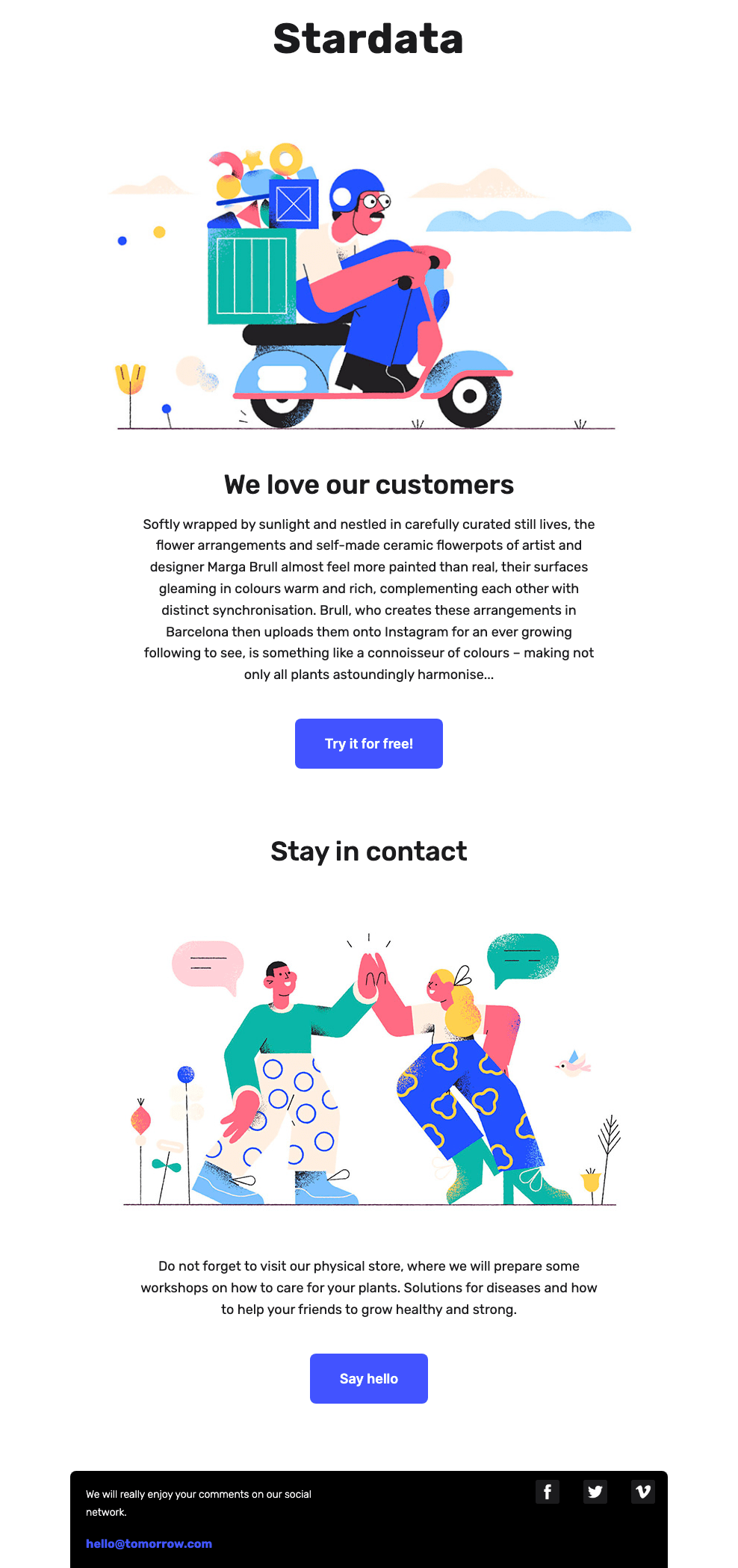
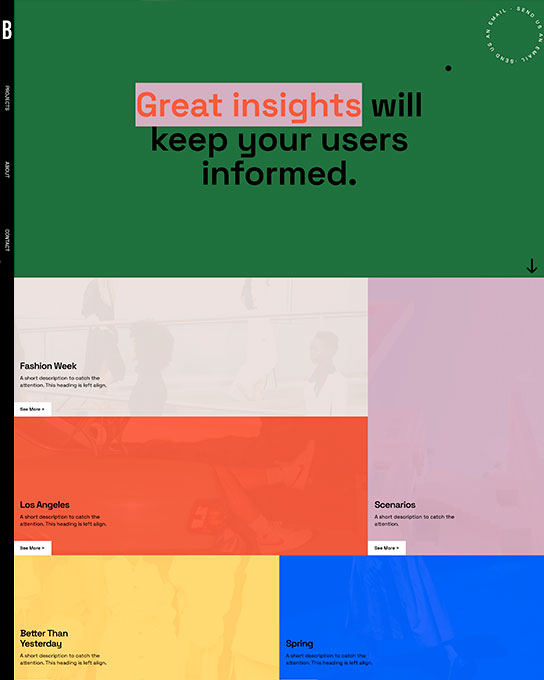
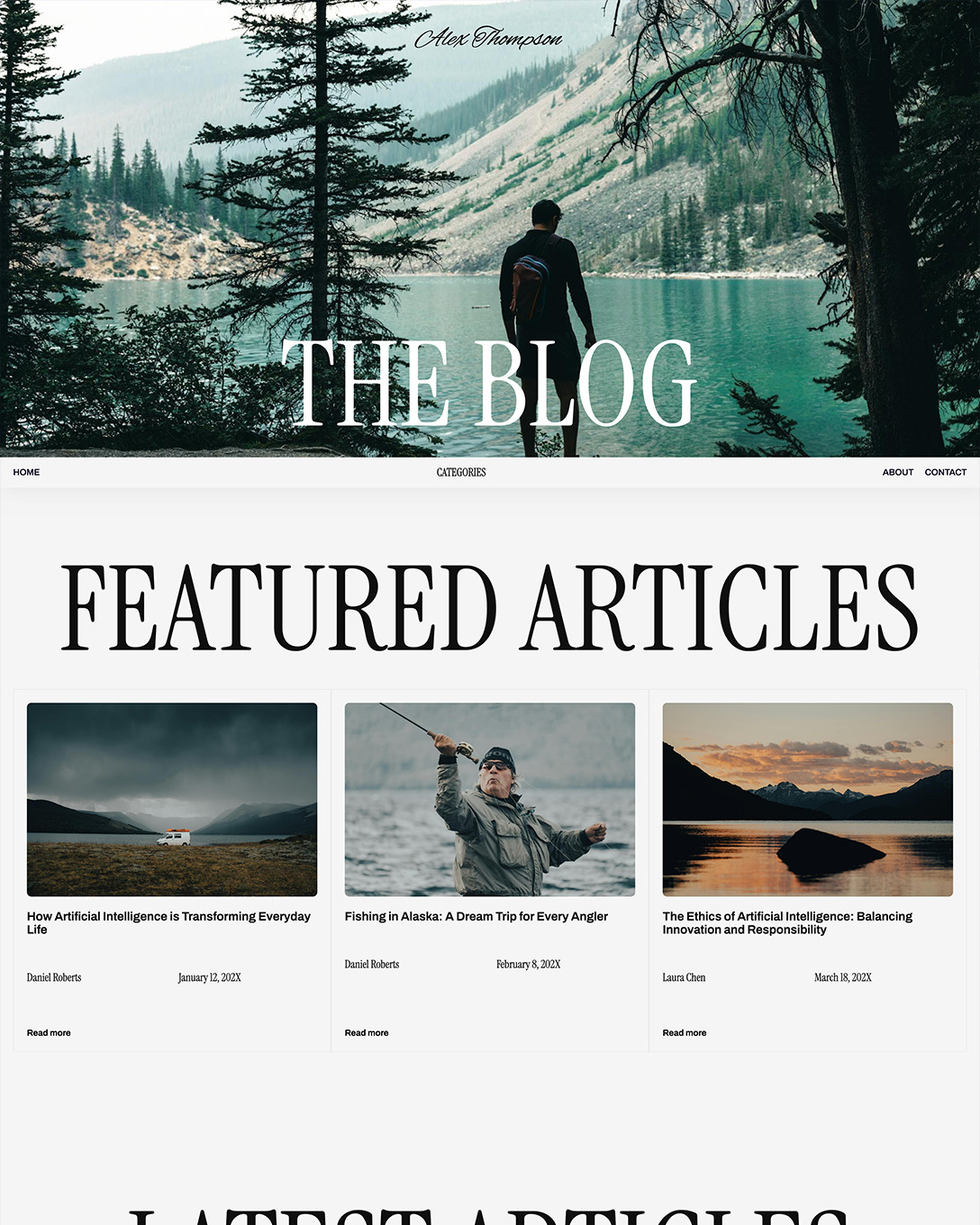
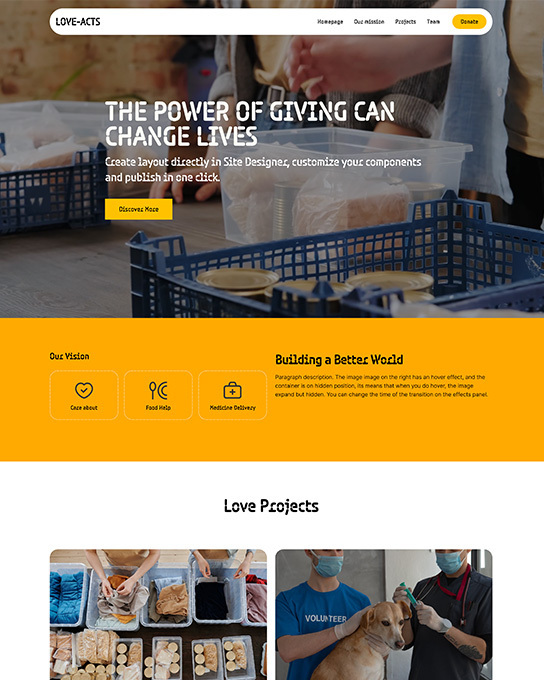
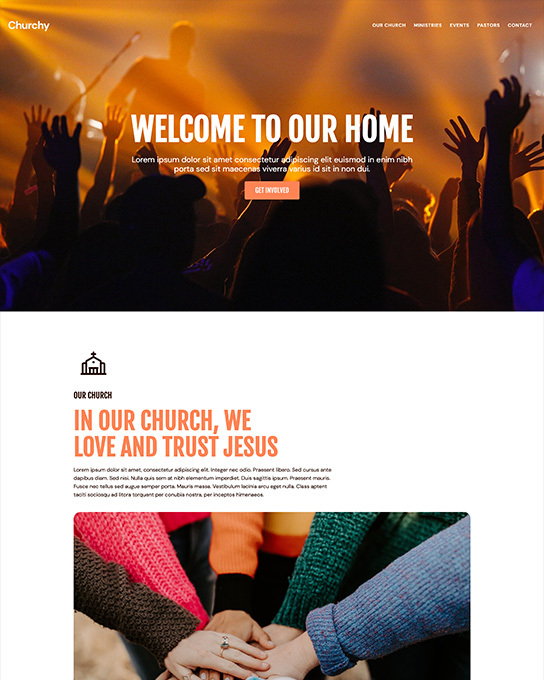
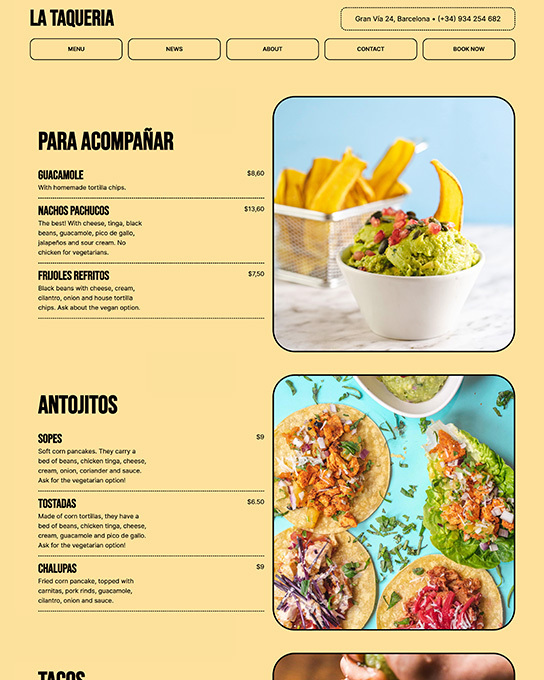
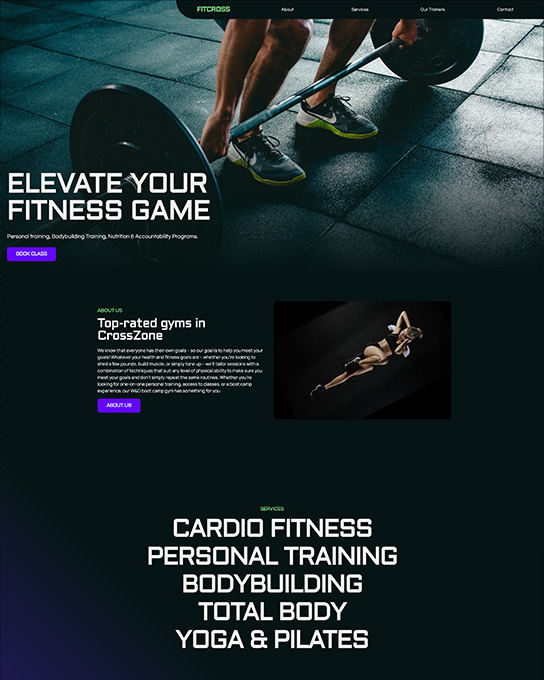
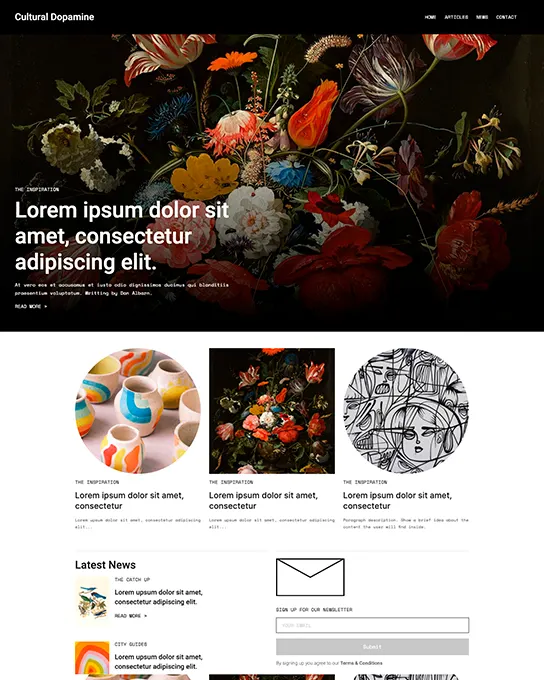
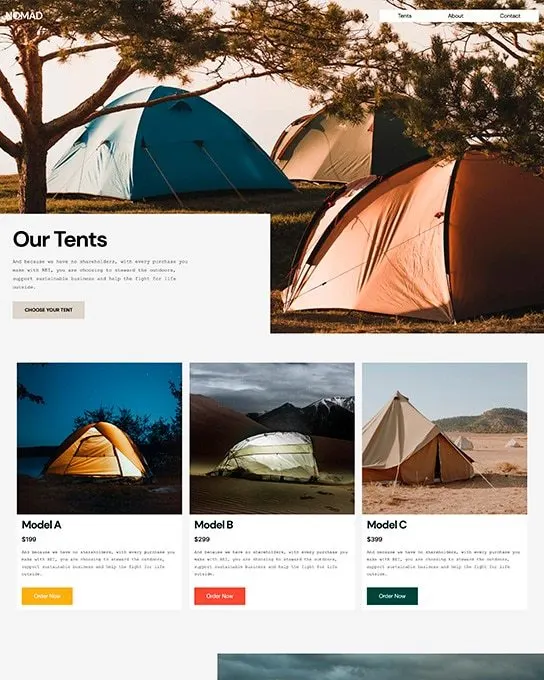
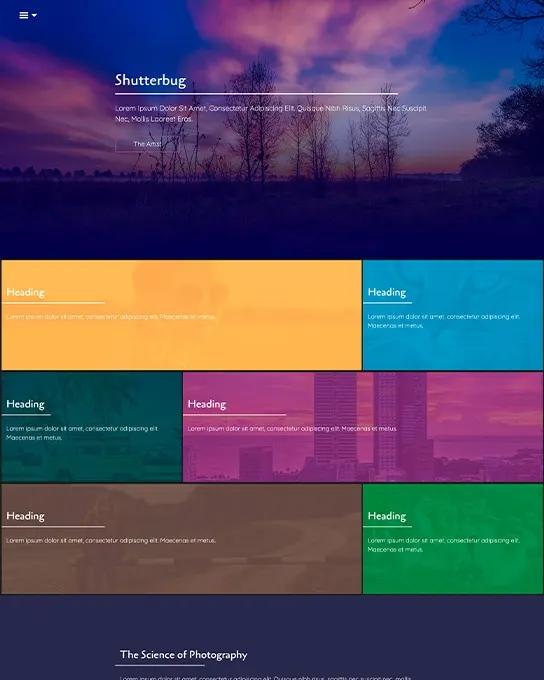
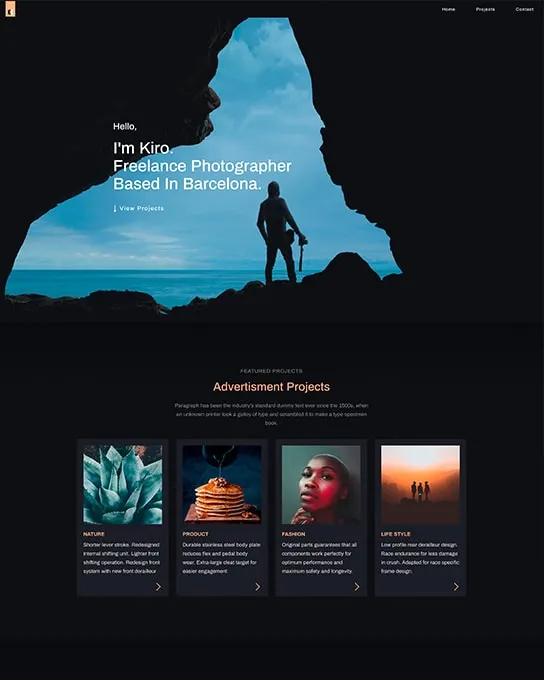
89+ templates · free with Site Designer
Find your perfect
starting point.
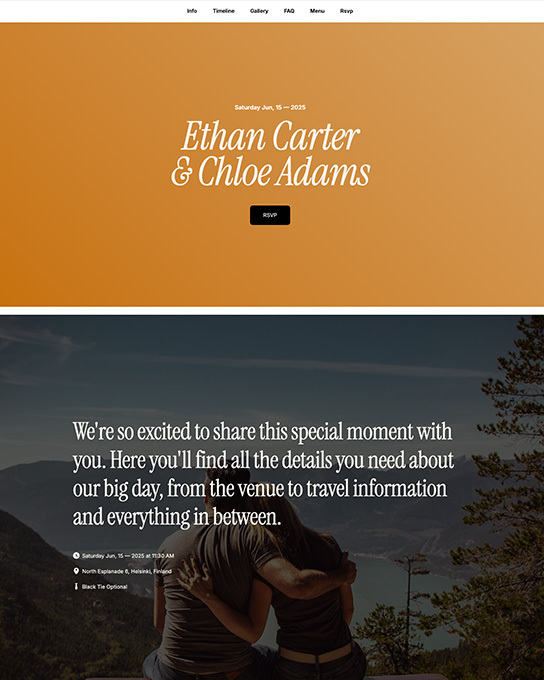
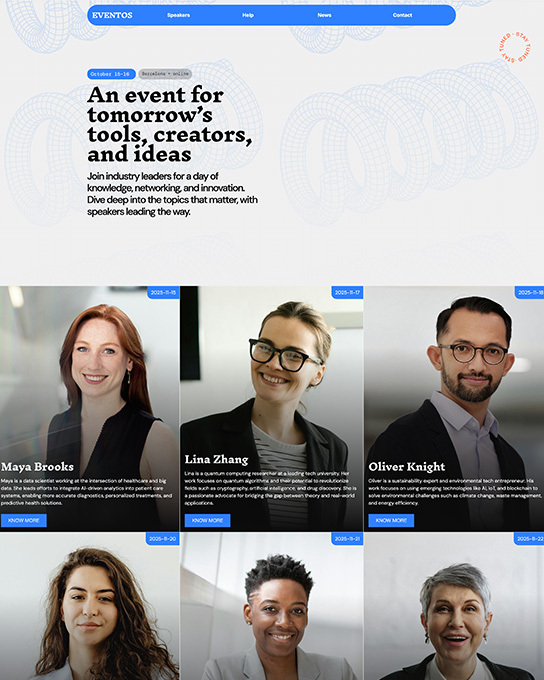
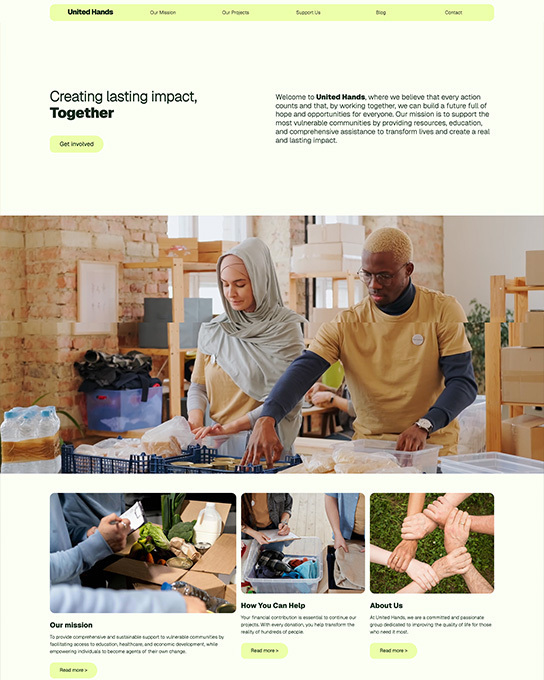
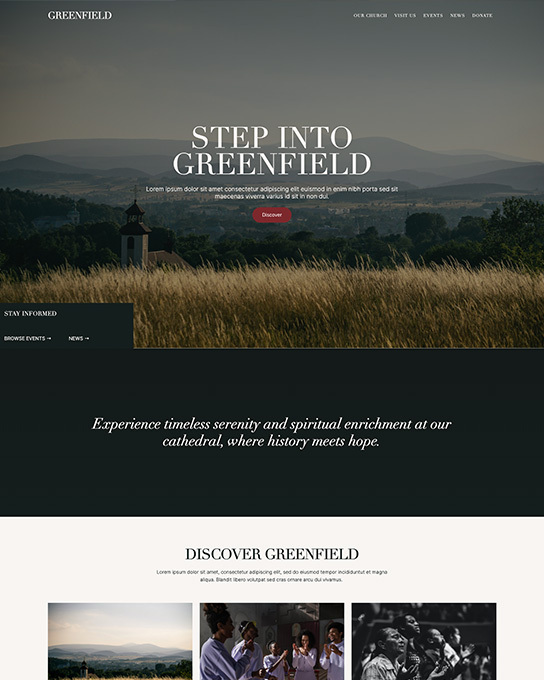
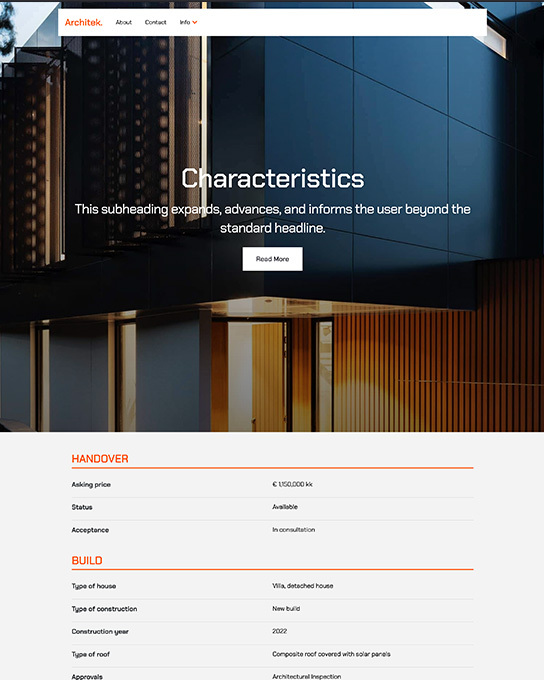
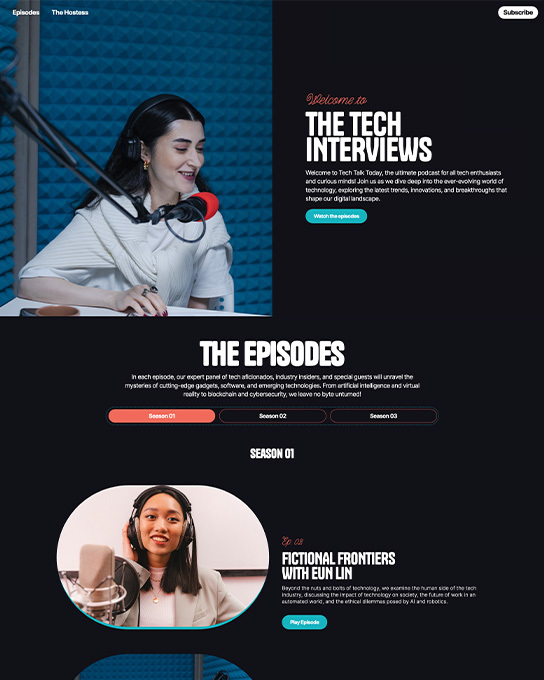
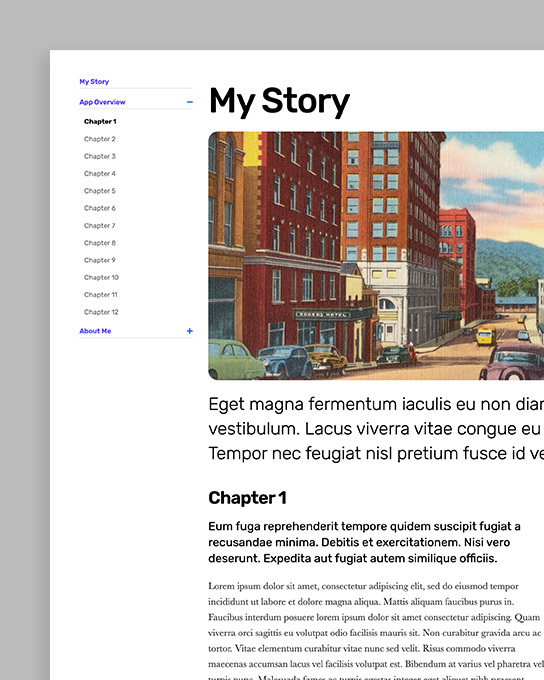
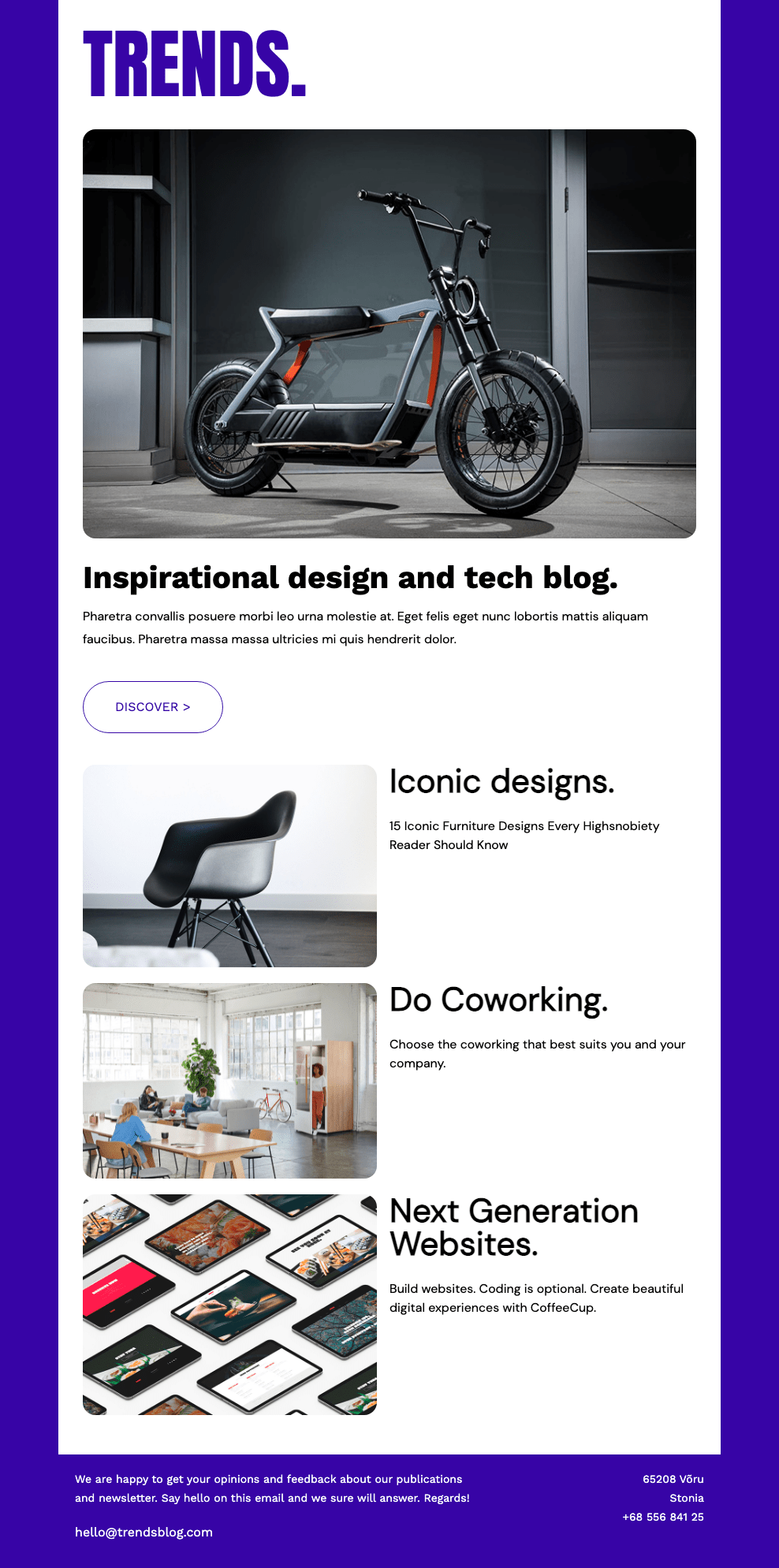
Professionally designed, fully responsive. Pick a template, customize it, and publish in minutes.
Template gallery
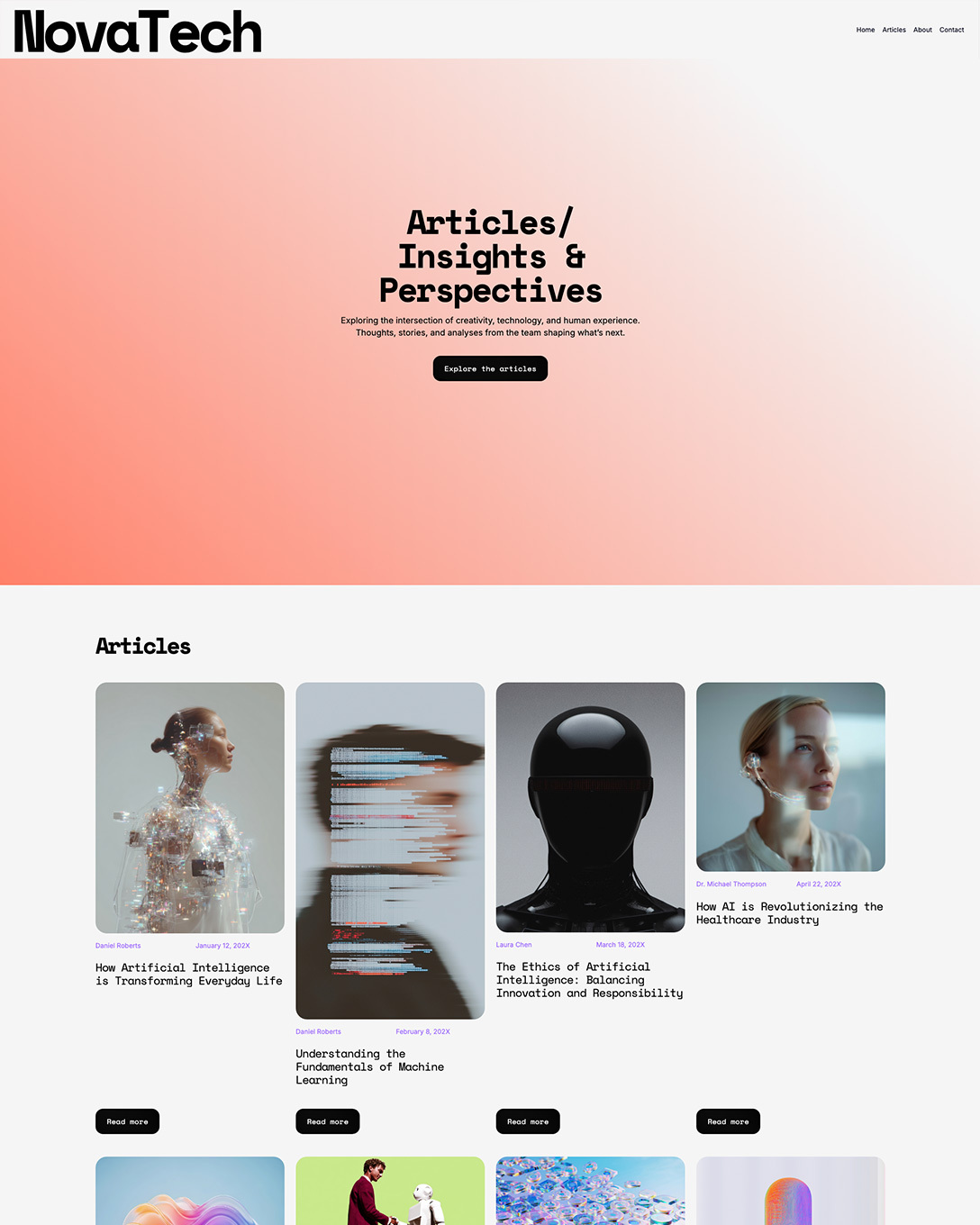
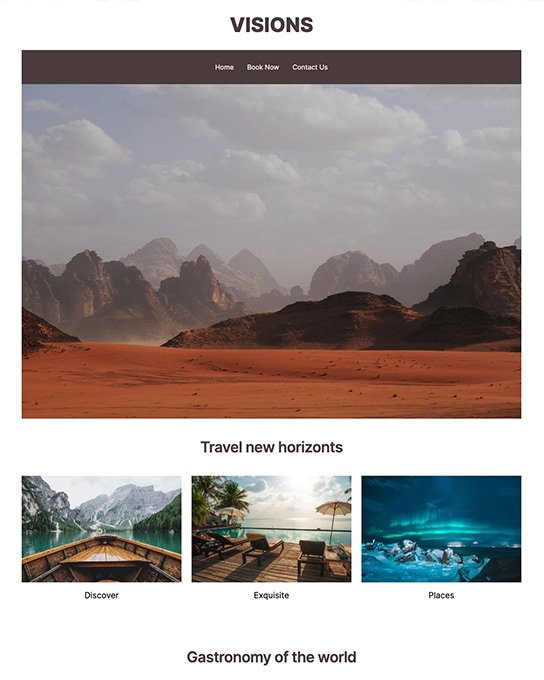
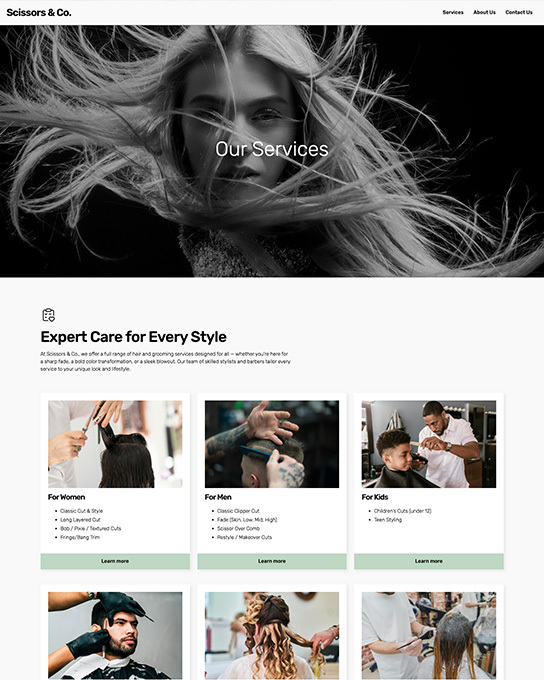
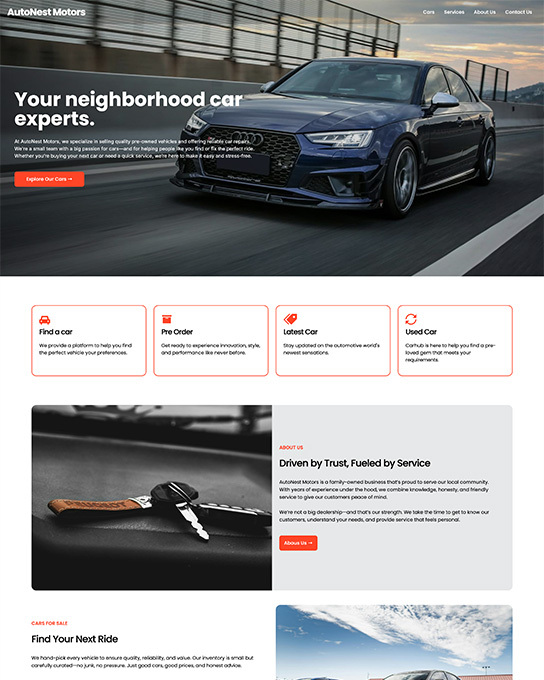
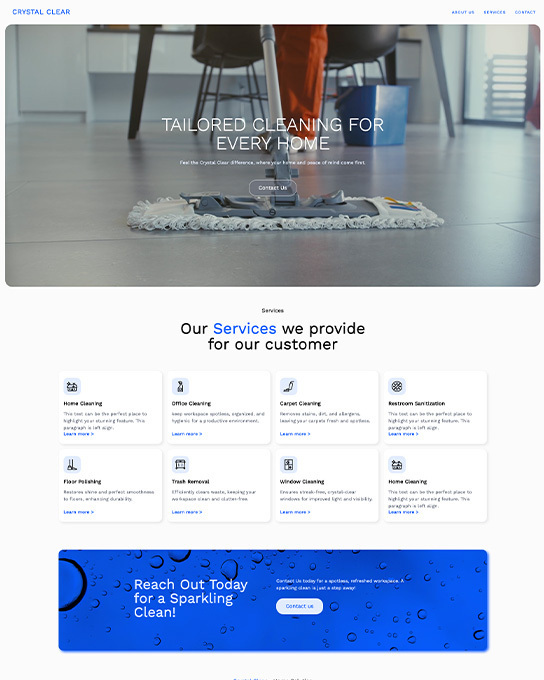
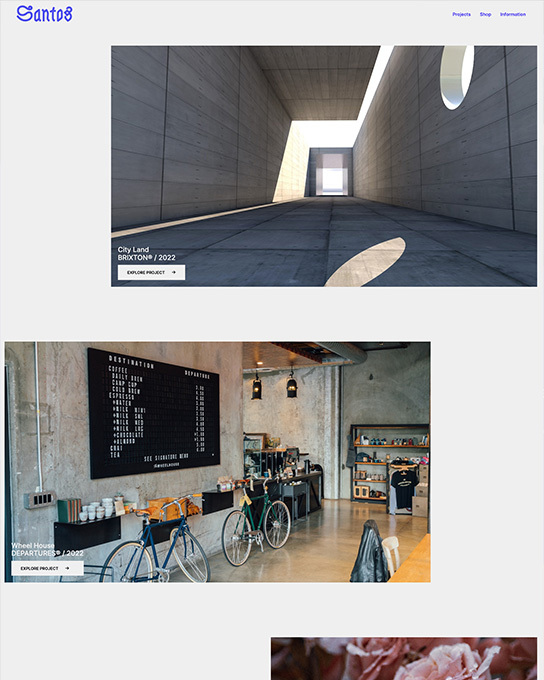

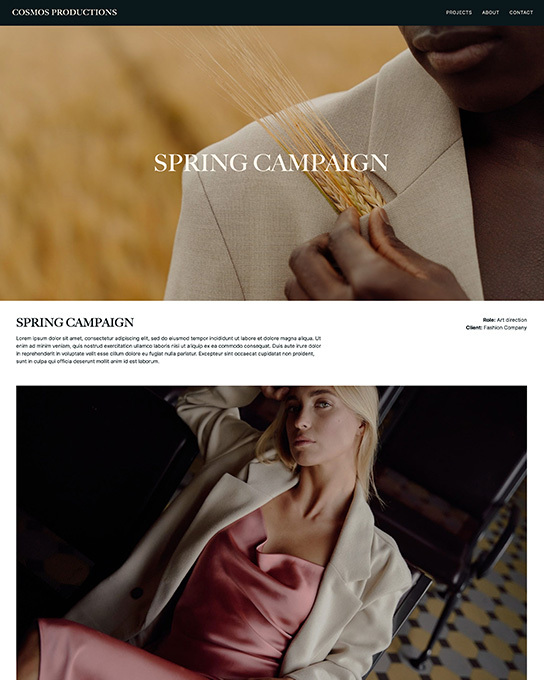
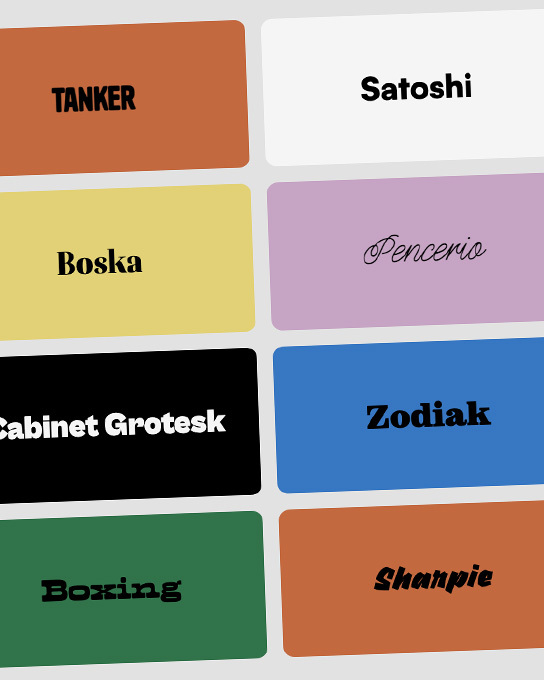
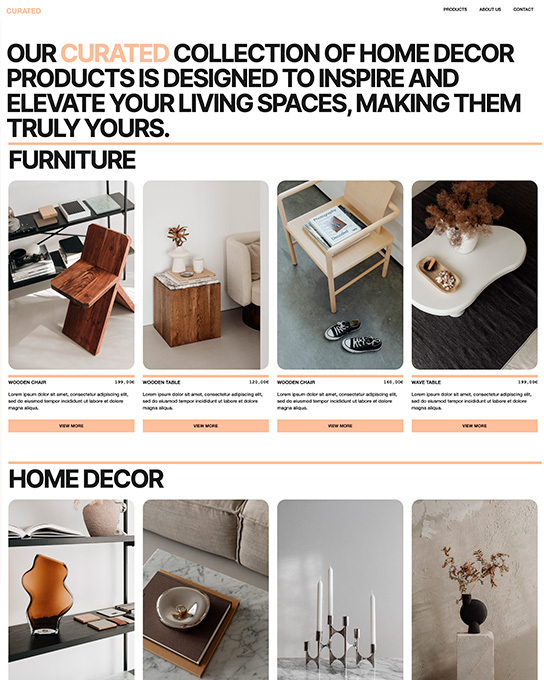
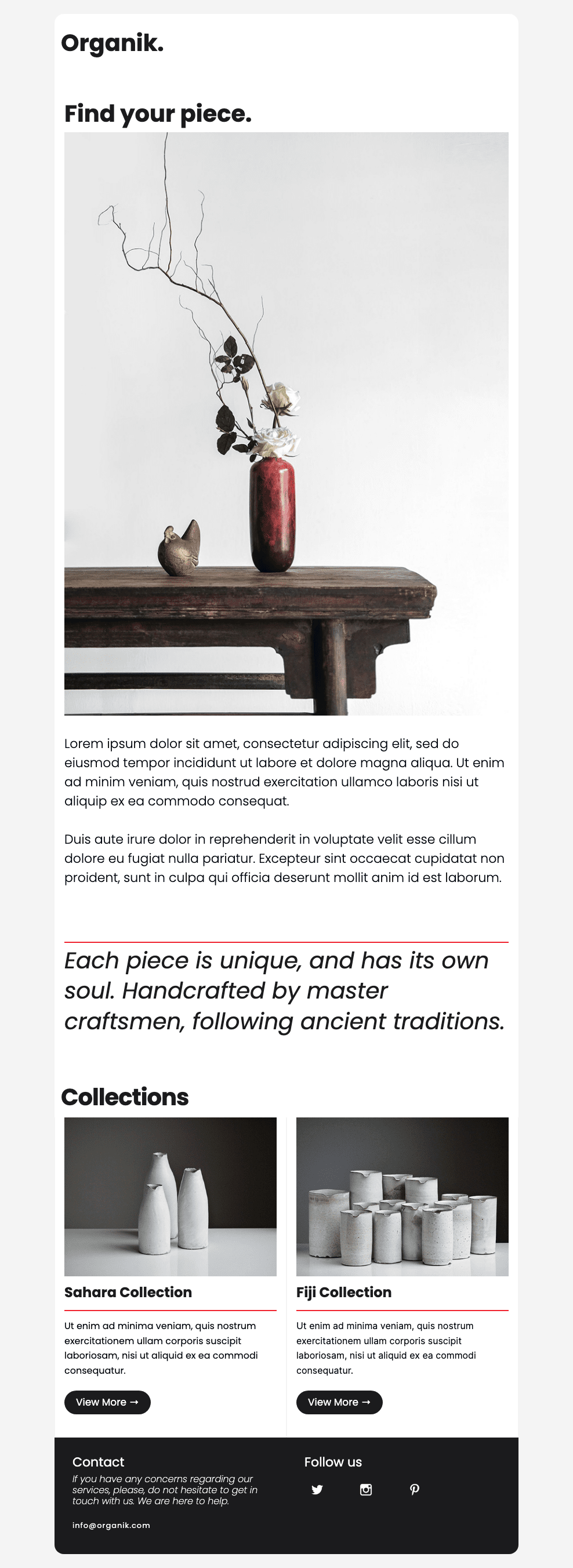
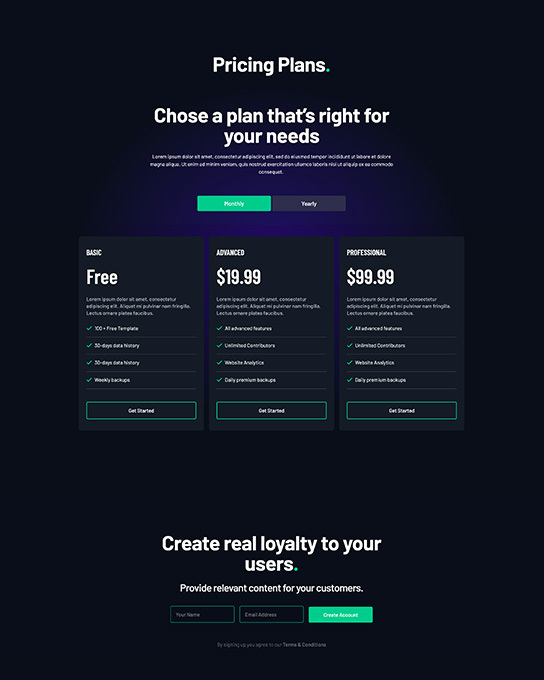
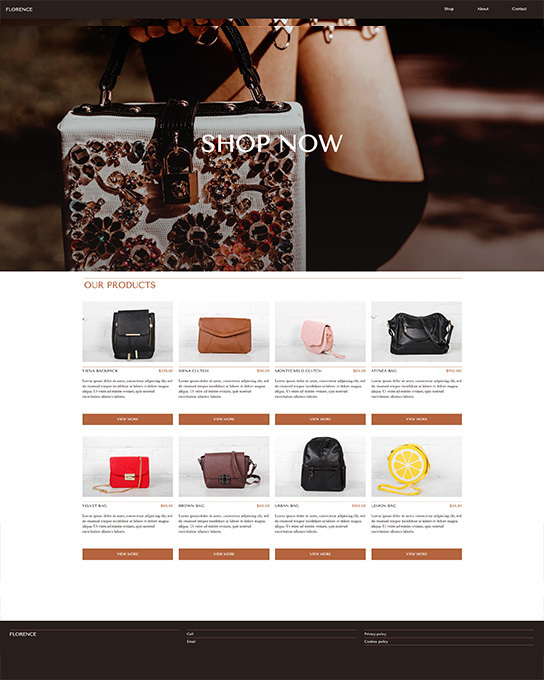
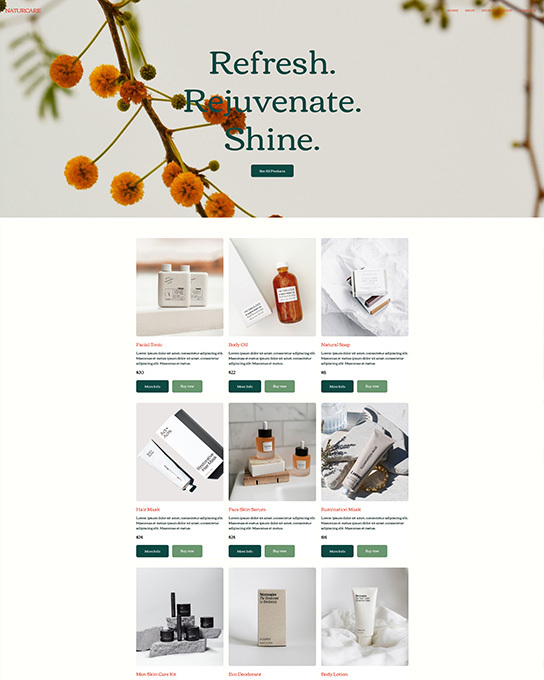
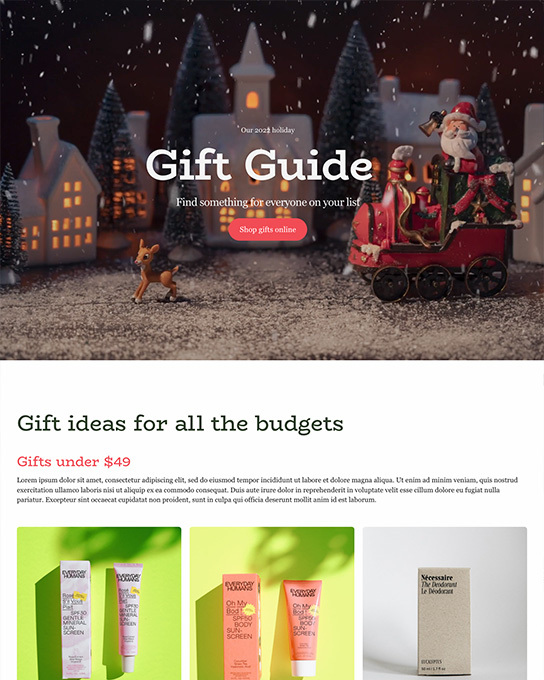


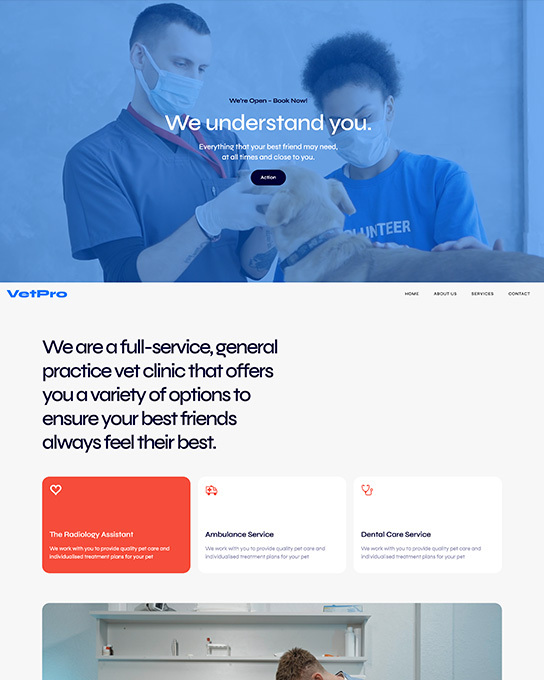
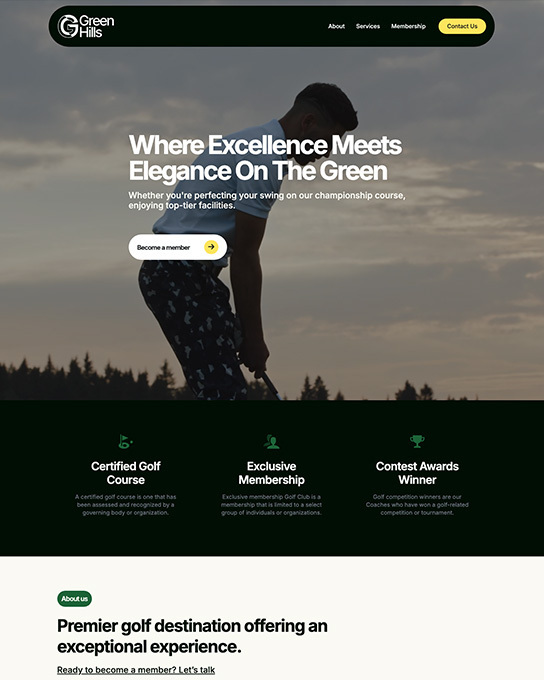
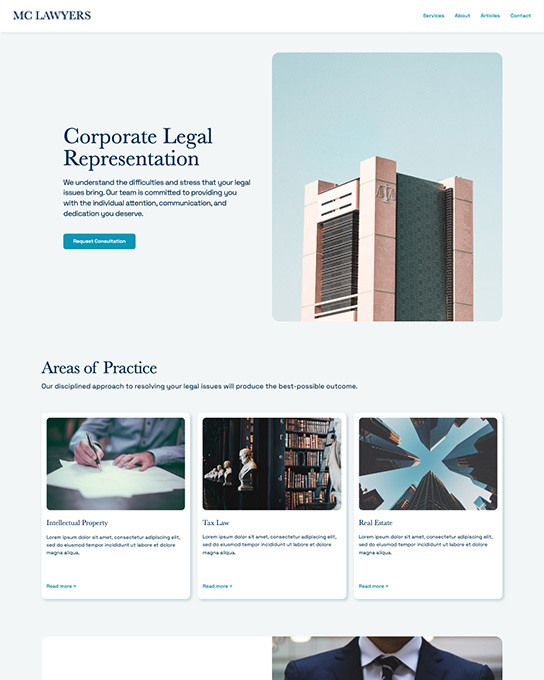
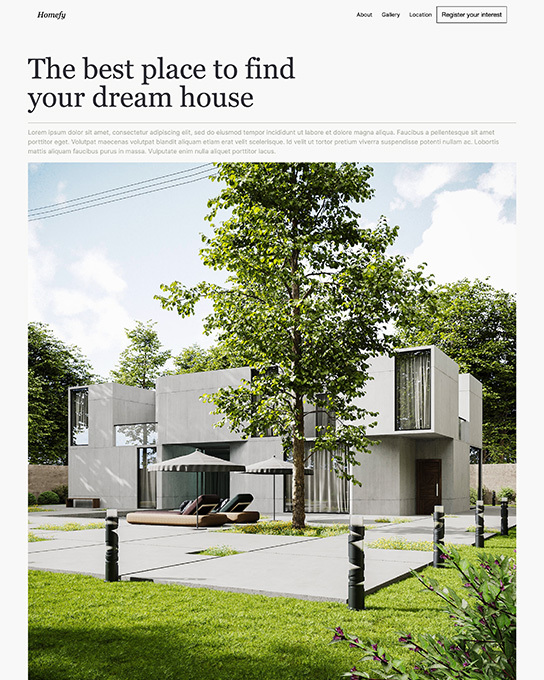
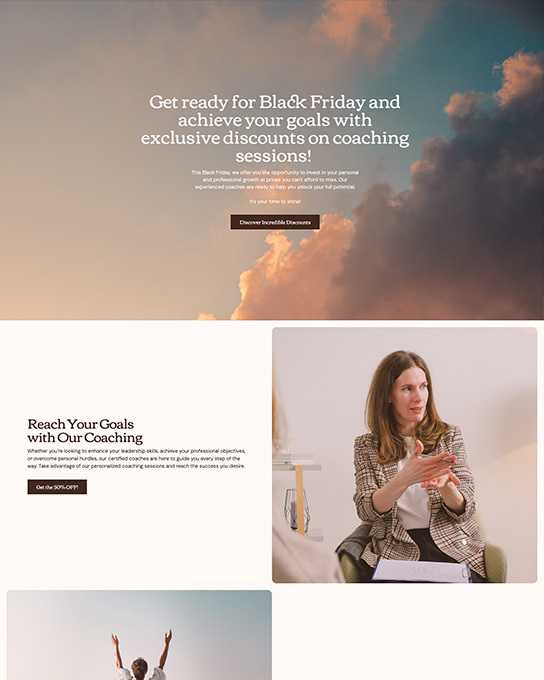
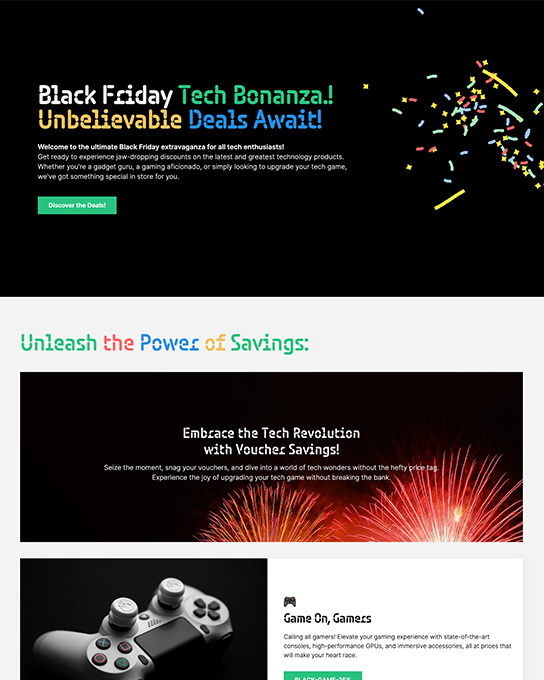
How to use a template
From template to live site
in four steps.
No coding required. Site Designer handles the HTML and CSS — you focus on the design and content.
-
Browse the library
Filter by industry to find a template that fits your project. Preview any template full-screen before you commit — every one is responsive out of the box.
Choosing a Framework -
Open in Site Designer
Download the
Workspace overview.rsdproject file from themes.coffeecup.com. Double-click to open it — your full canvas loads with all pages, components, and styles ready. -
Customize everything
Click any element to edit it directly on the canvas. Use the Design Pane to change colors, fonts, and spacing across your whole site at once — no code needed.
Design Pane guide -
Publish your way
Hit Publish when you're ready. Connect your FTP, push to S-Drive (CoffeeCup's one-click hosting), or export a clean folder of HTML files to host anywhere.
Publishing guide
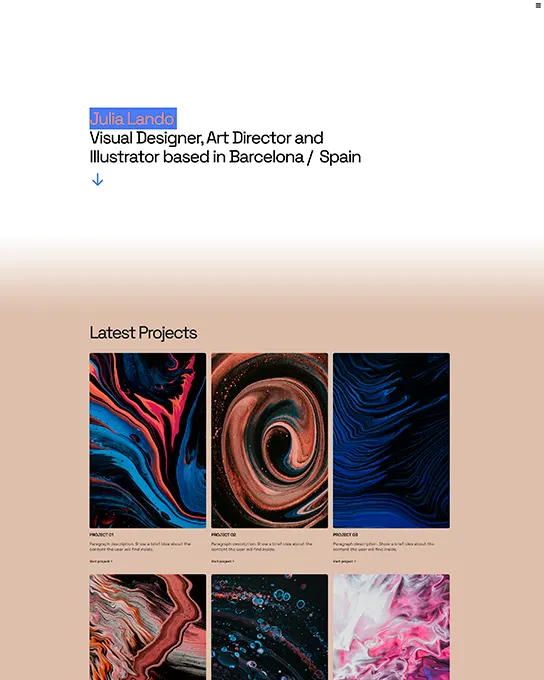
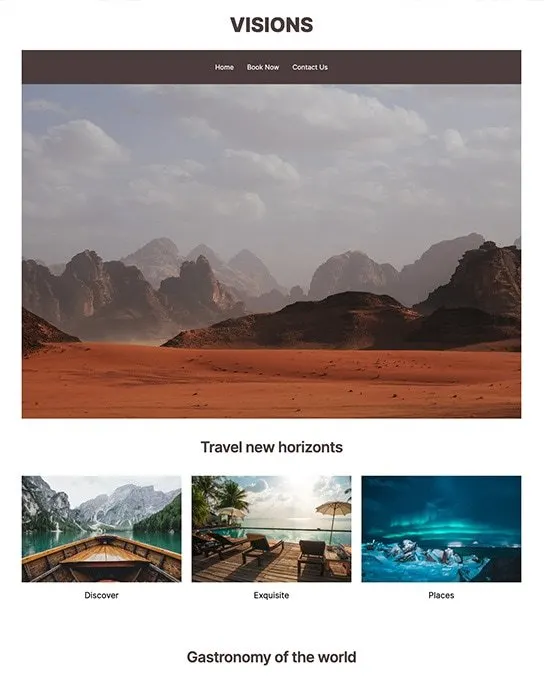
Ready when you are
Start with a template.
Make it yours.
89+ templates, free with Site Designer.
Pick one, customize everything, publish in minutes.