
Creating custom components
To save a selection from your project as a component, select it on the canvas first, then go to the Components section.

Creating it
Click Create Component from Selection to generate a fresh component from the currently selected element or group. It’s placed at the bottom of the list.
Naming and describing it
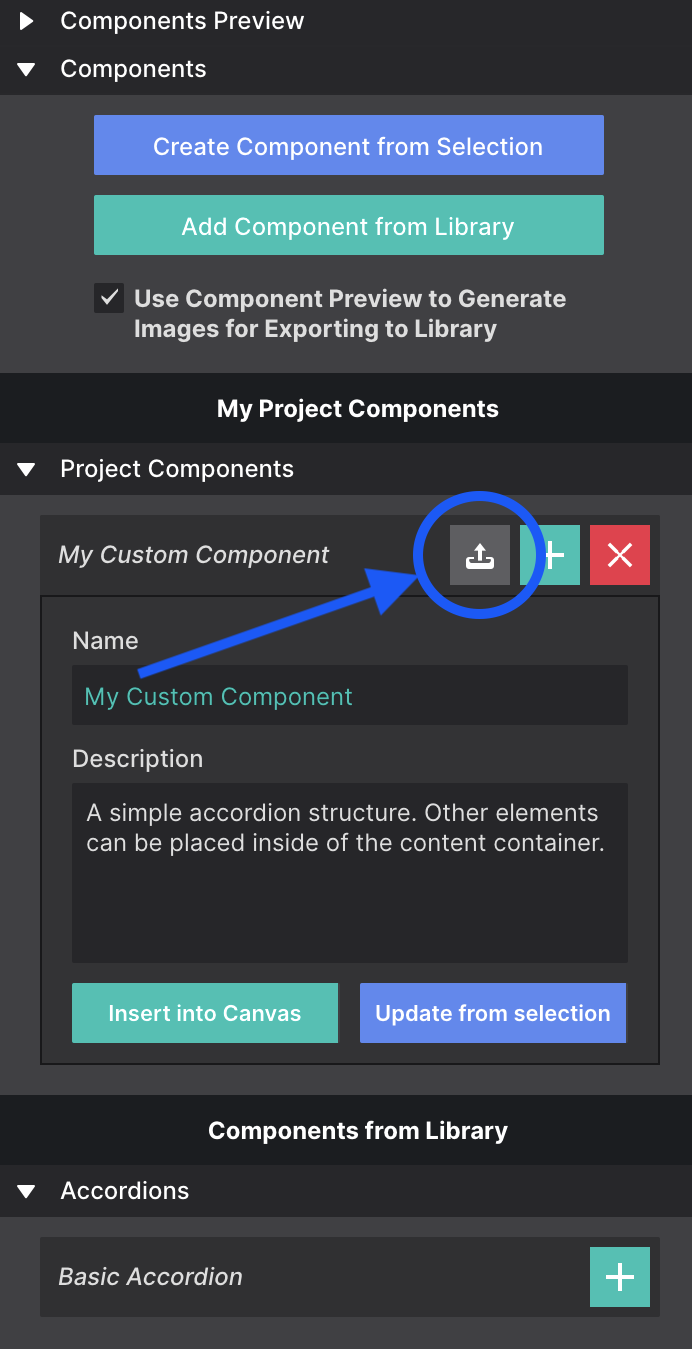
Give the component a Name so you can identify it, and add a description.
Saving it to your library
To save it to your Component Library — so you can reuse it in other projects — click the up arrow next to the component title.
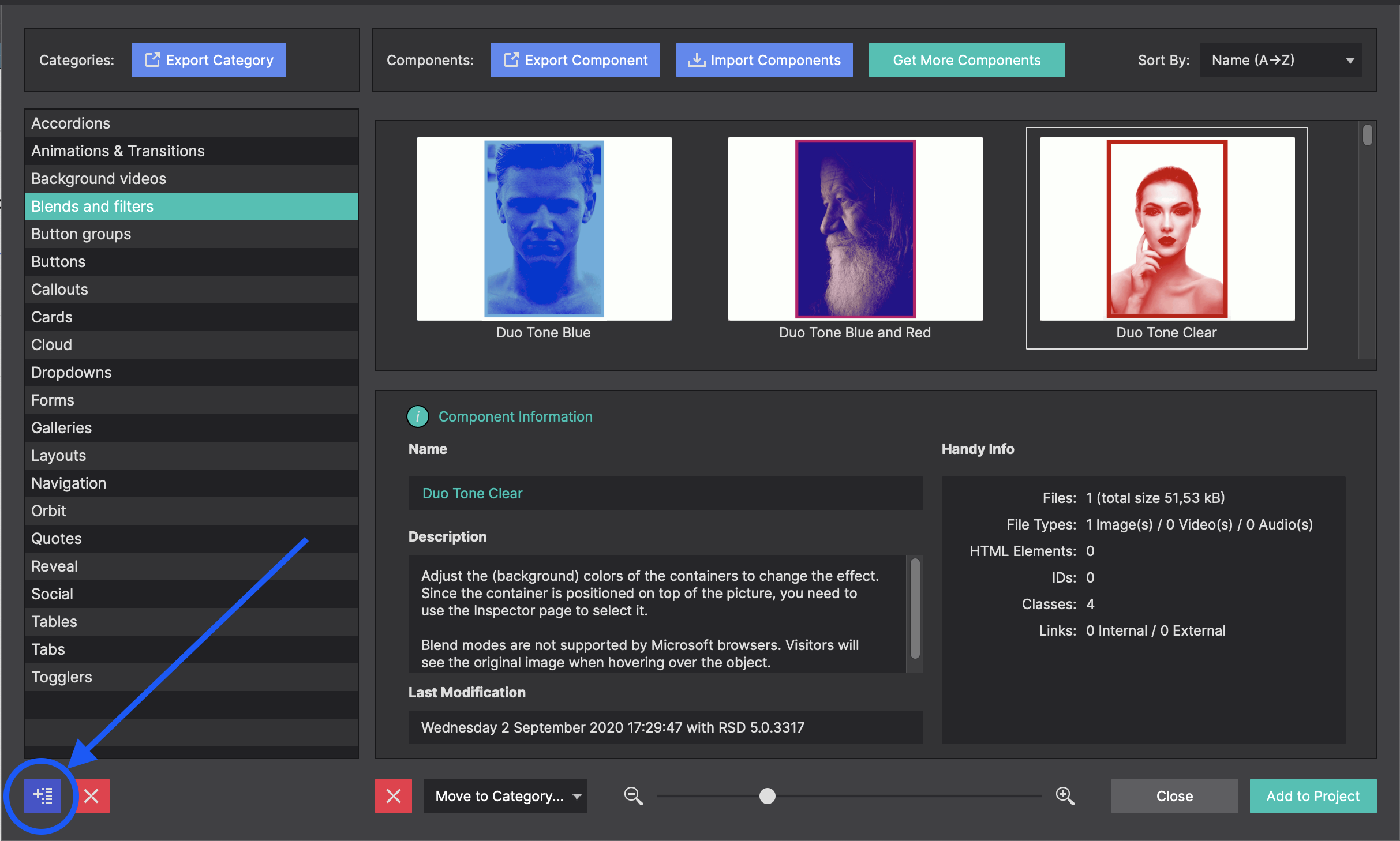
When saving to the library, use the blue button in the bottom-left corner to create folders, so you can organise your components into categories.