
The Styles pane
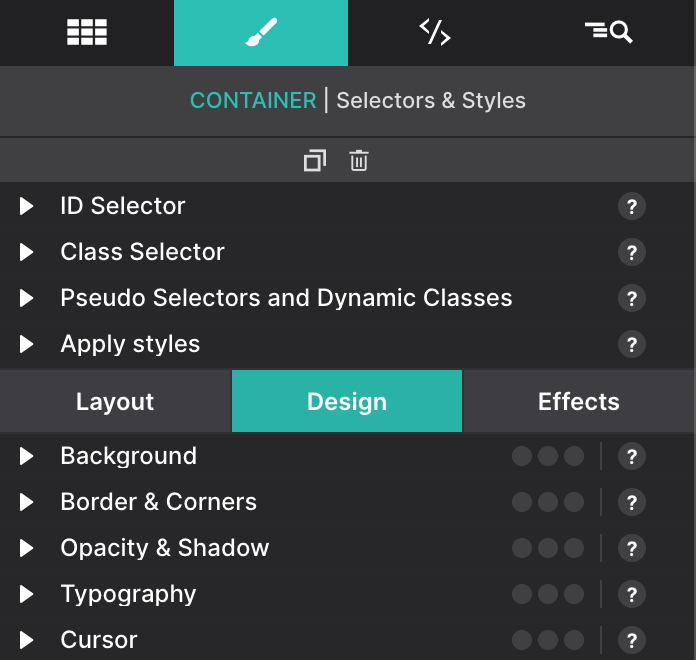
The Styles Pane contains all the Layout and design properties for an element. Here you’ll position the element, set colors, size, spacing, font types, and shadows, along with applying any interactive effects.
Single-clicking any item on the canvas will automatically launch the Styles pane on the right. It is sorted into sections based on the element that is currently selected.
The Styles pane is the element command center for all of the layout and design traits you want to implement.
In the very top-right corner you’ll see an Aꕯ icon for editing text, an icon for duplicating the selection, and a trash can for deleting.
How the pane is organised
The control panel is broken down into 2 main sections. The top focuses on CSS Selectors and the State you want to style the element. These tools are discussed in great detail within the CSS Selectors chapter.
The lower section is divided into three sections: Layout, Design, and Effects. This chapter focuses on the Design controls — the Layout section and the Effects pane have chapters of their own.