
Icon Elements
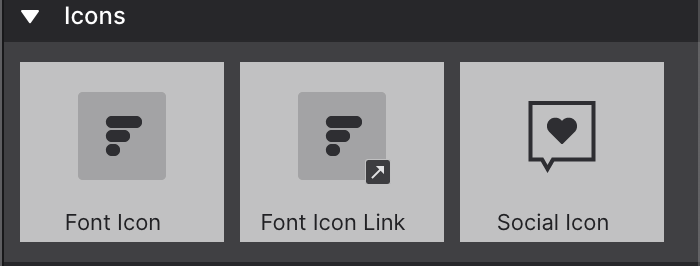
Font Icon and Font Icon Link
The Font Icon and Font Icon Link elements insert a small font icon graphic from the IcoMoon collection. Both the icon and its optional link are configured on the Element pane → Selected Element Properties.
Use Font Icon for a purely decorative or informational glyph, and Font Icon Link when the icon itself should be clickable — see Working with Links for the Href, Title, and Target controls it shares with every other link element.
Social Icons
Social Icon elements help visitors follow you on social networks and share your content. When you add one to the page, a default icon appears — change the social network and connect your account from the Element pane.
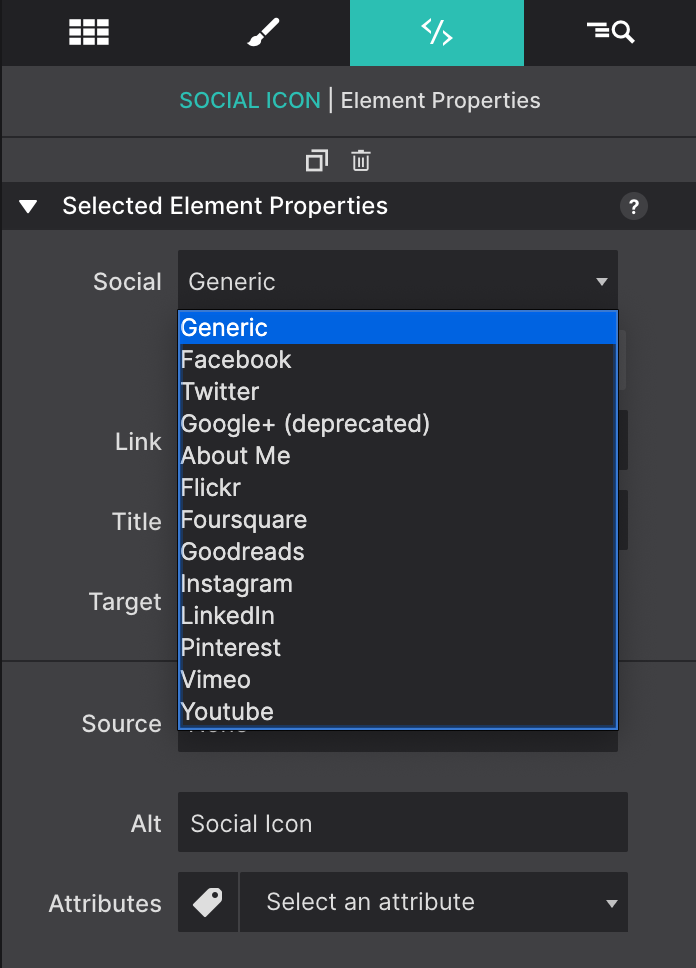
Once you pick a network, its standard icon appears automatically. You can restyle the size, color, and layout from the Style pane like any other element.
Depending on the network, you’ll see additional options:
- Follow — sends visitors to your social page so they can follow or “like” it
- Share — lets visitors share your content (for example, a retweet)