
Layout classes
Importing a project from an older app that used Rows and Columns? If so, you’ll notice special Layout Classes and unknown Type Class names inserted into the project. These classes are the associated CSS styles that had been applied to Rows and Columns in previous versions of the app.
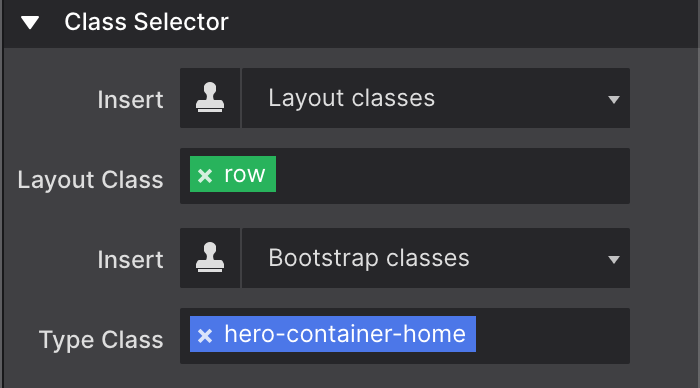
Site Designer now prefers to use CSS Grid for layout instead of rows and columns (meaning all content is now placed into Container elements). When importing previous projects, to preserve styles applied to rows and columns, these new class names were applied. You’ll notice that these class names generally have the term row or col to indicate what type of layout feature was converted.
Elements that were originally within a Row and Column will automatically be converted into a Container.
You may delete these class names, we actually recommend cleaning up the project structure. Just be aware that when removed, you will need to re-apply any styles that were associated with the class.
We wrote up a helpful step-by-step tutorial to help you understand how to delete these class names and convert the content structure for CSS Grid.