
The Layout section
On the Styles Pane under the Layout section, several positioning options are made available to you so you can pick the method that fits best with your design. The three most common layout methods options CSS Grid, Flexbox, and Block. You can also layout your elements with more specific and less frequent layout methods like Position, Tables and Multi-column. We will cover the most important ones in this chapter.
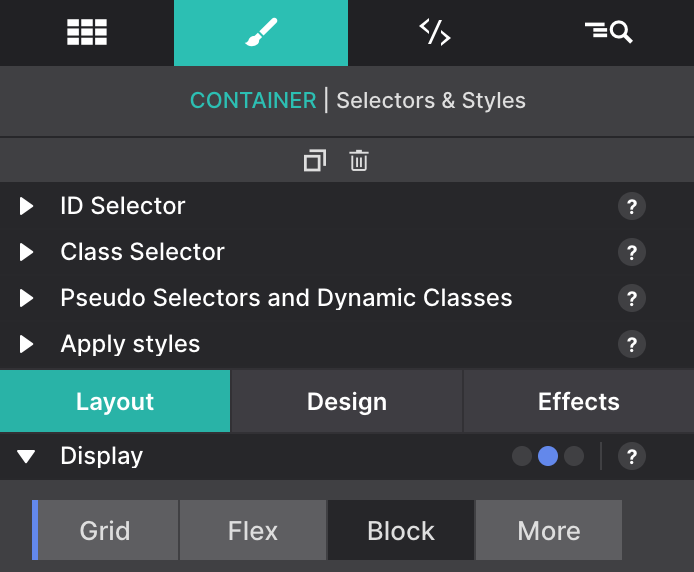
Our first stop will be the Display control. When having a container selected in the canvas, you will be able to choose between Grid, Flex and Block. This will allow you to select one of the main techniques we will describe below. On the More you can find some other display options like None (to hide an element), Inline Block, Inline, Table (and its variants), List, etc.
Preview of the Layout & Positioning Controls
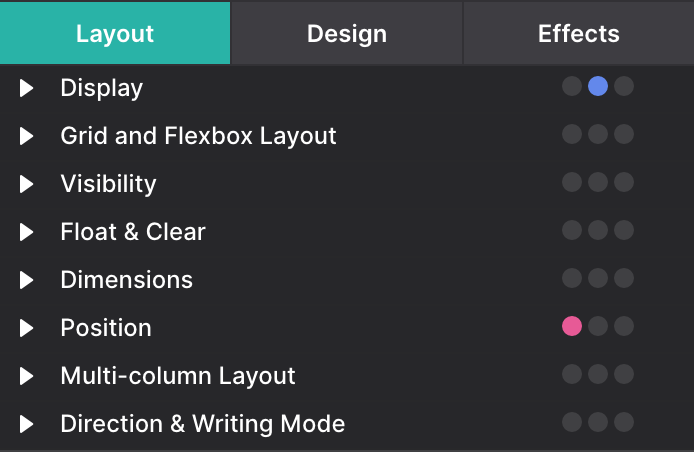
The tools on the Styles pane > Layout section have been organized in groups of related controls. Each of the groups (sections) can be collapsed and expanded when needed. When all the sections are expanded the scroll to the lower sections can be getting rather long.