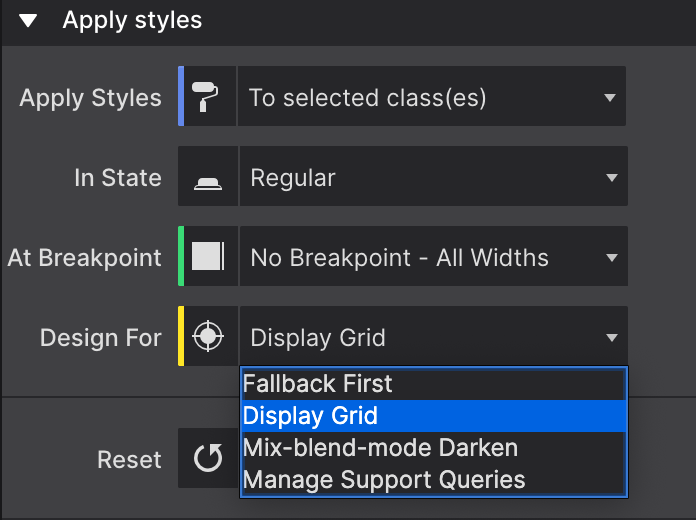
Activating a Feature Query
Once your choice is created and added to the dialog, you’ll be able to use it to create your styles for the browsers that do support that feature query.
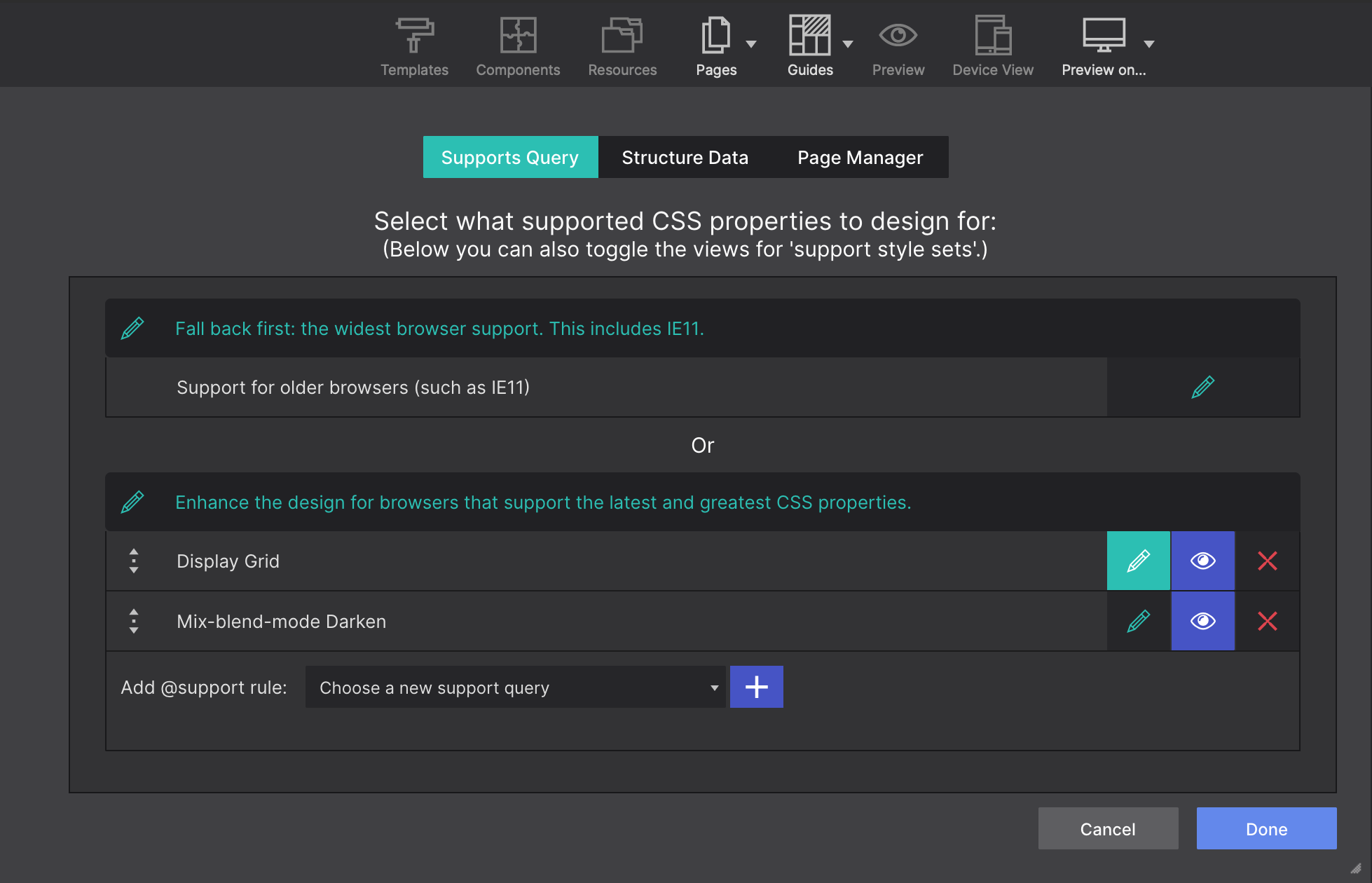
There are two ways of activating it. From the Support Query dialog, you can click on the “Pen” next to your query. This will make it active and now you can close the dialog and start applying styles for the browsers that support that feature query.
Another way of activating it is through the Style pane > Apply Styles using the Design For drop-down. You can select the recently created query for using it.