
Tutorials overview
Browse tutorialsThe rest of this guide explains the controls one at a time. These take a whole build instead — start to finish, nothing skipped.
Start with the complete Visions travel page, assembled across ten parts and thirteen videos: header, responsive heading, navigation, hero, a CSS Grid section, a Flexbox photo row and the footer.
Or take just the piece you need today — a nested menu that collapses on small screens, a Google Map that scales at every width, Hover and Out of View animations, text wrapped around an image, or a contact form connected to something that actually receives submissions.
-
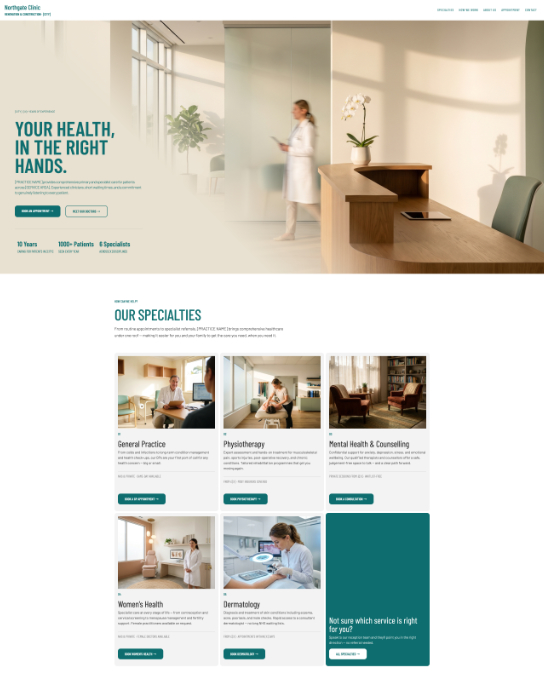 Start here Quick Start: two guided tutorials Customize a finished template and publish in minutes, or start from a blank canvas and build a page from the ground up.
Open the tutorial
Start here Quick Start: two guided tutorials Customize a finished template and publish in minutes, or start from a blank canvas and build a page from the ground up.
Open the tutorial
-
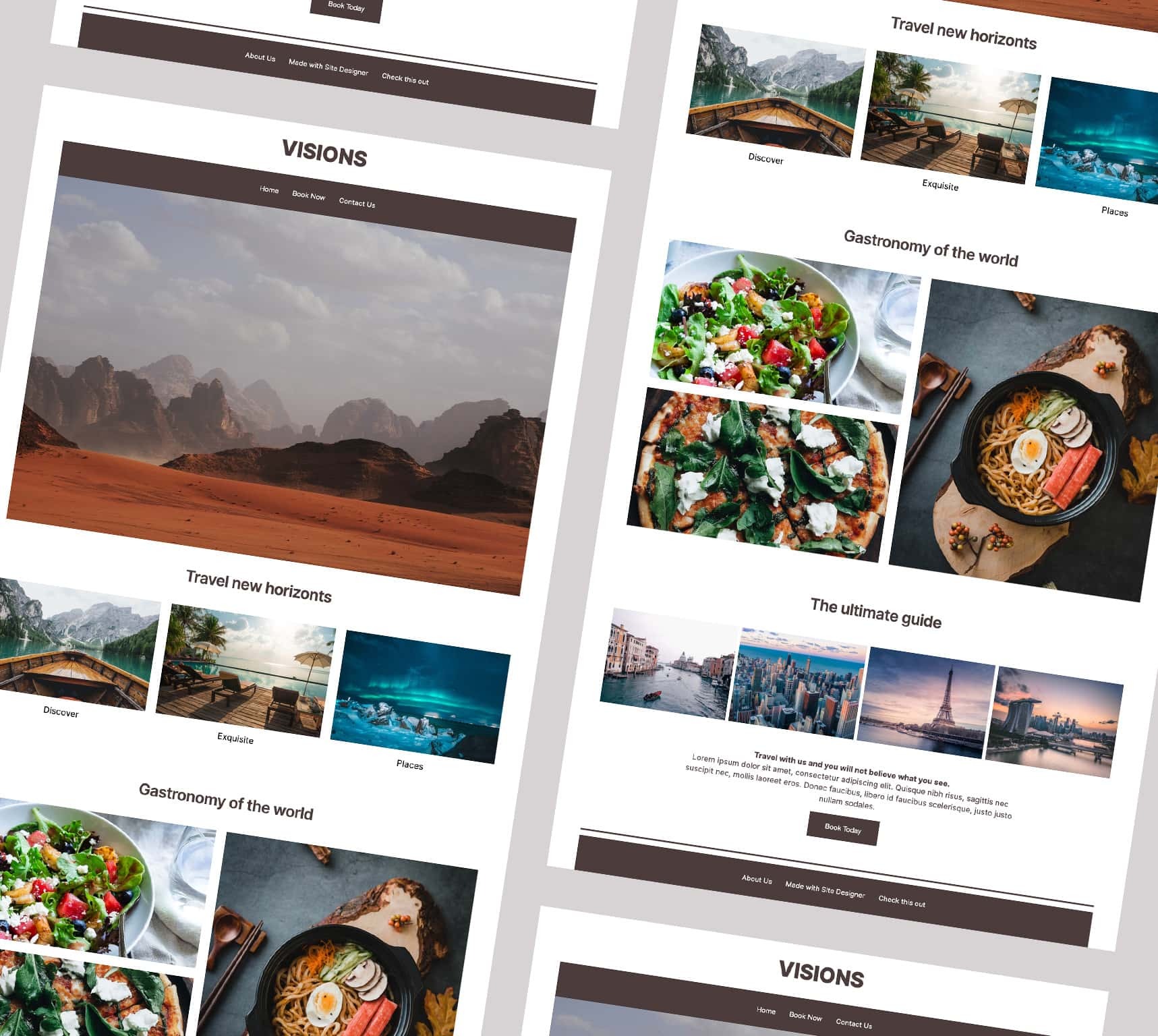 Building the Visions template One complete travel page, end to end — header, responsive heading, navigation, hero, a CSS Grid section, a Flexbox photo row and the footer. The long one, and the best place to begin.
Open the tutorial
Building the Visions template One complete travel page, end to end — header, responsive heading, navigation, hero, a CSS Grid section, a Flexbox photo row and the footer. The long one, and the best place to begin.
Open the tutorial
-
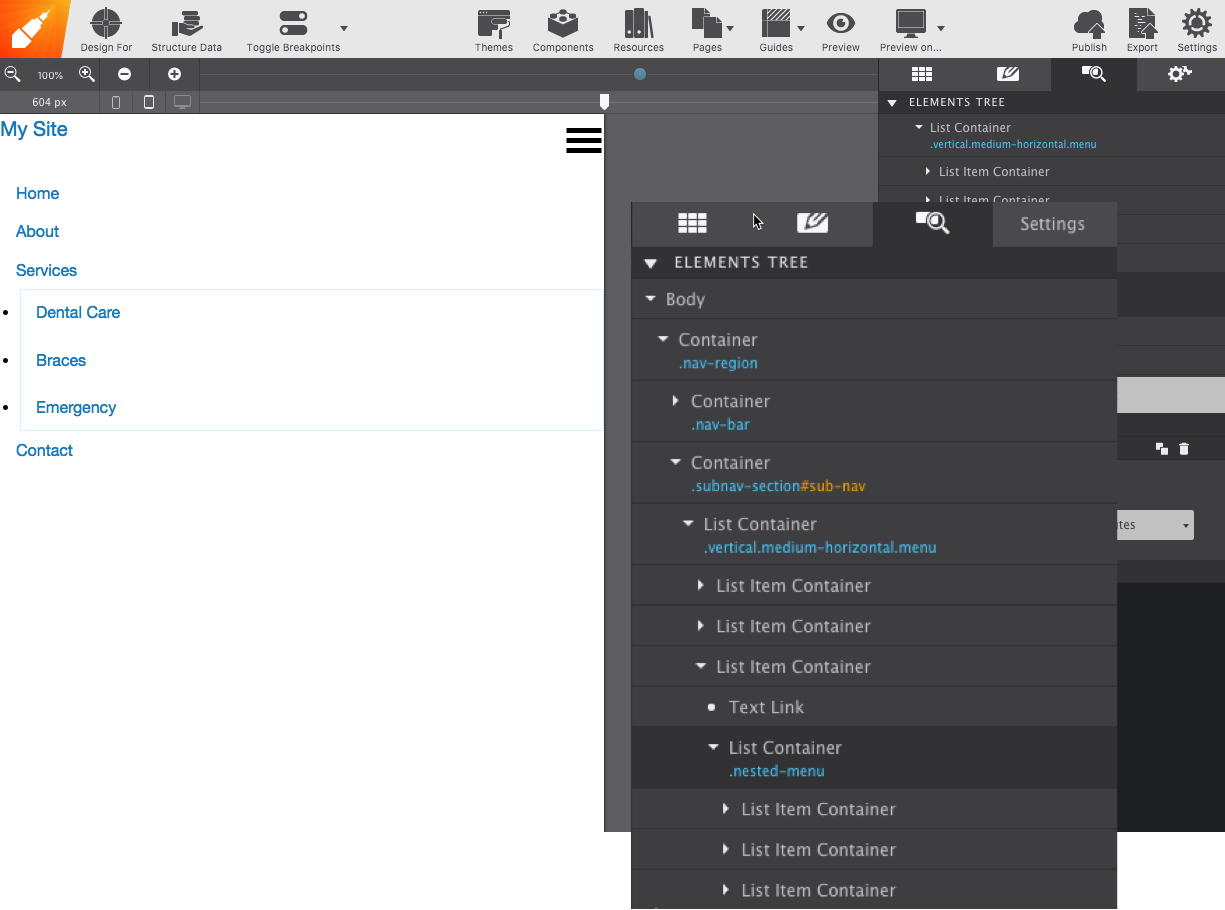 Build a nested responsive menu Multi-level navigation that collapses to a mobile menu on small screens.
Open the tutorial
Build a nested responsive menu Multi-level navigation that collapses to a mobile menu on small screens.
Open the tutorial
-
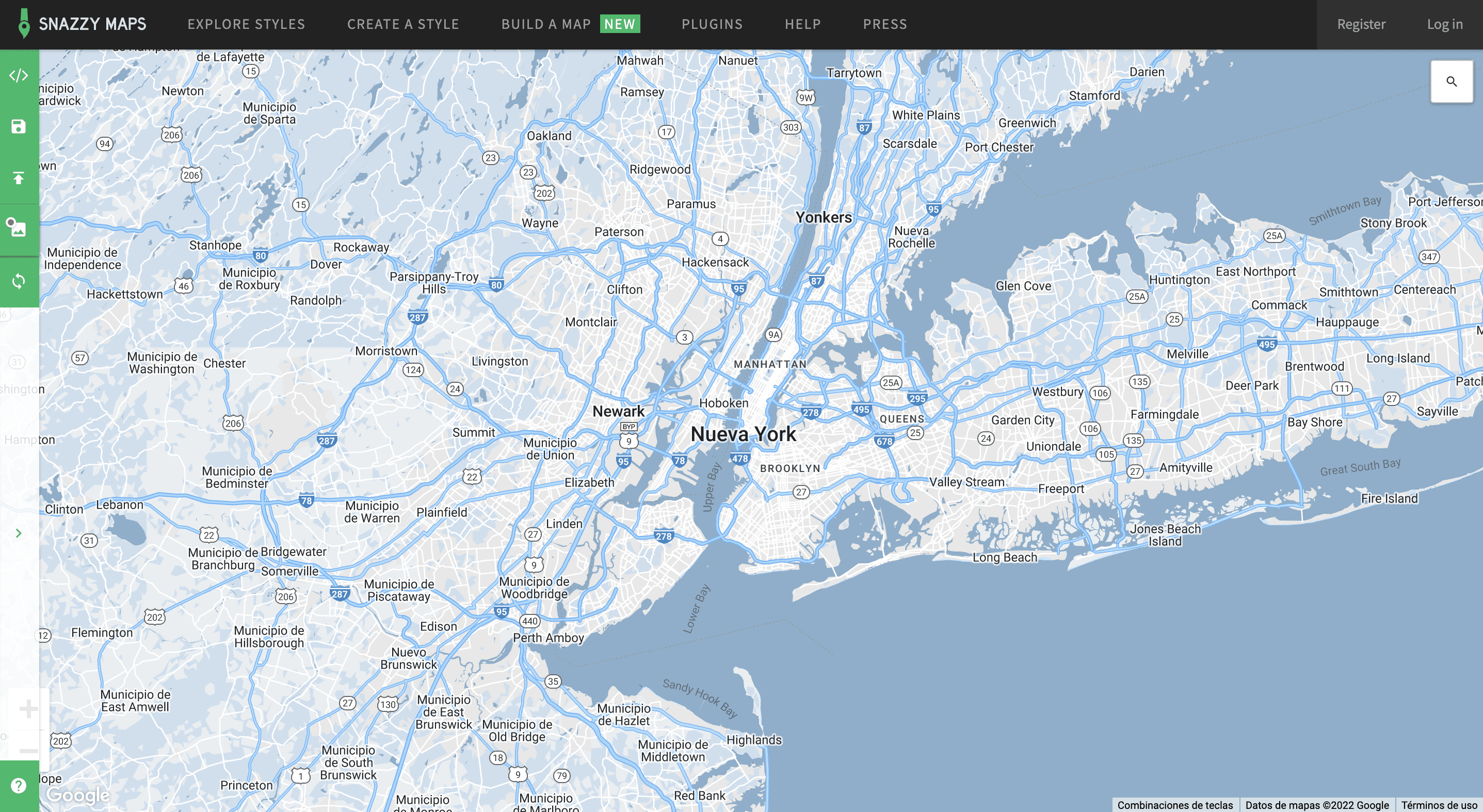 Add a responsive Google Map Paste an embed and have it scale properly at every width — restyled, optionally, with Snazzy Maps.
Open the tutorial
Add a responsive Google Map Paste an embed and have it scale properly at every width — restyled, optionally, with Snazzy Maps.
Open the tutorial
-
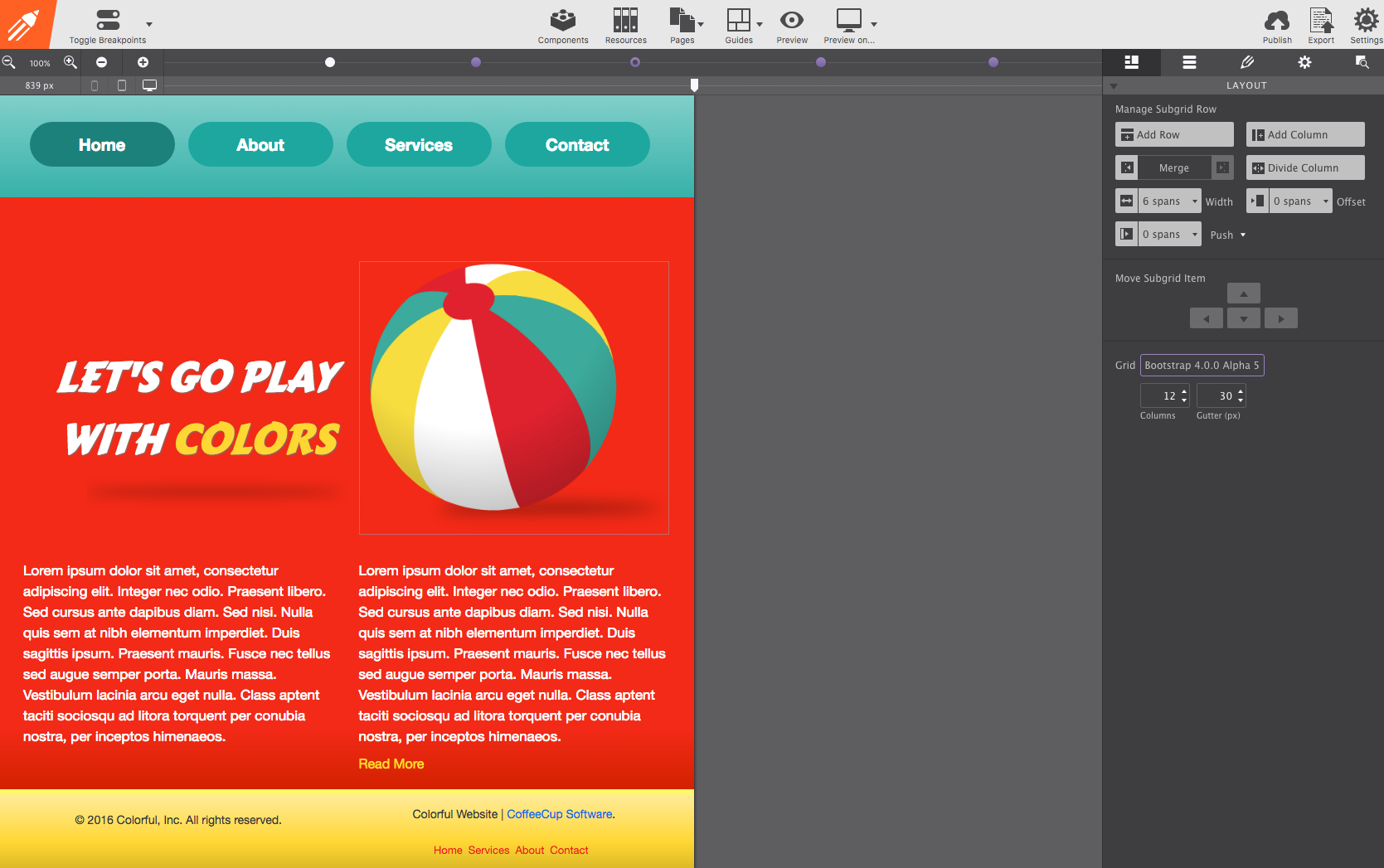 Animate with states and transitions Hover and Out of View effects, driven by the In State dropdown.
Open the tutorial
Animate with states and transitions Hover and Out of View effects, driven by the In State dropdown.
Open the tutorial
-
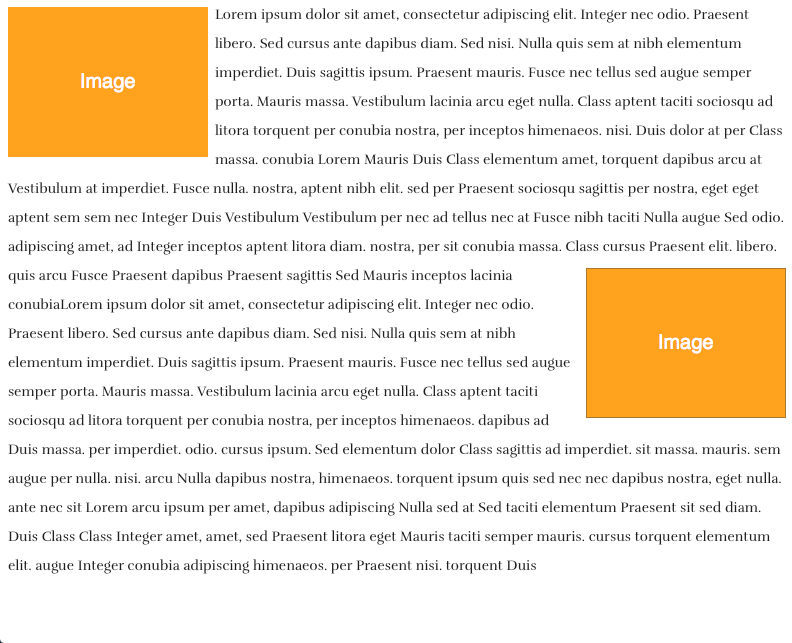 Wrap text around an image The classic editorial layout: body copy flowing around a floated image, left or right.
Open the tutorial
Wrap text around an image The classic editorial layout: body copy flowing around a floated image, left or right.
Open the tutorial
-
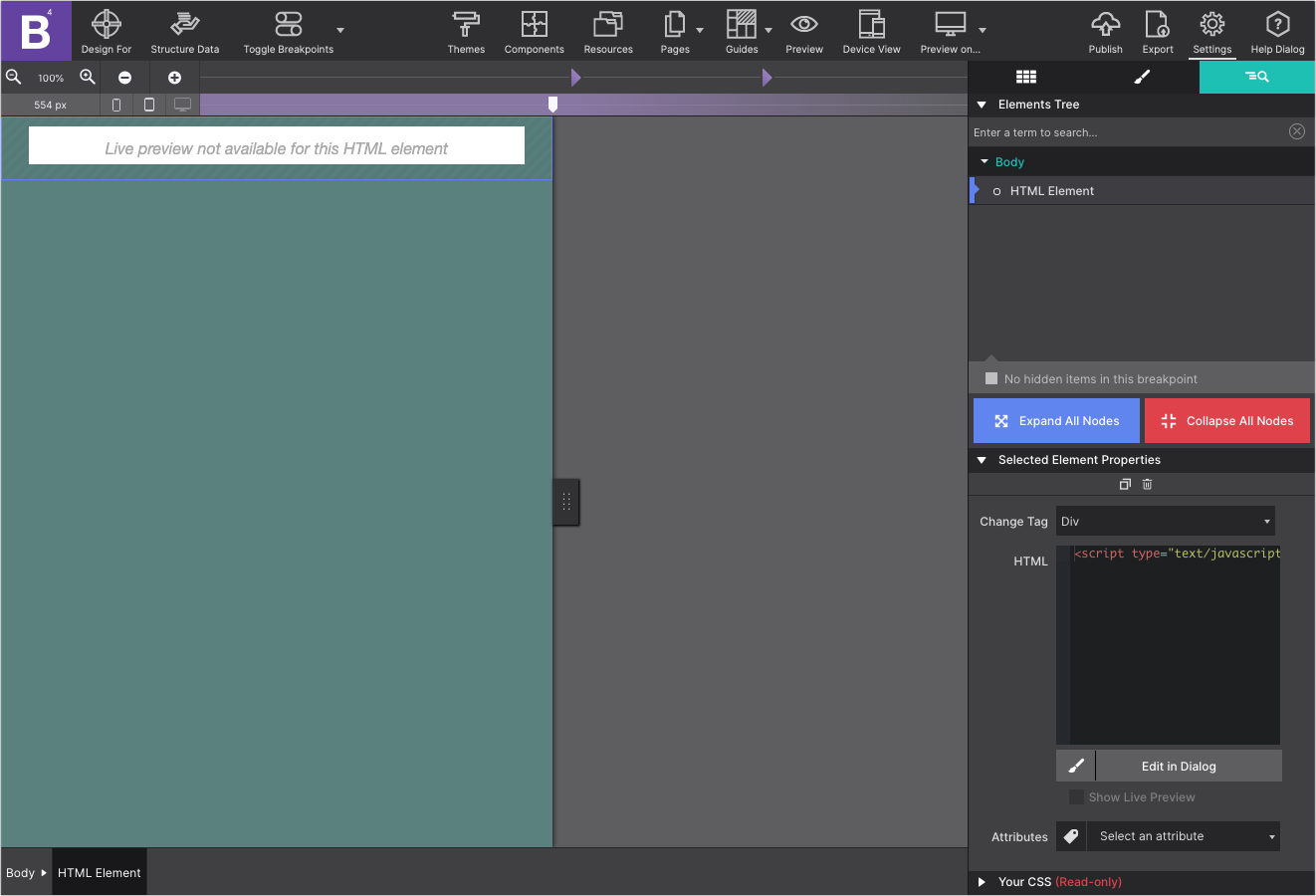 Embed a working contact form Connecting a form drawn in Site Designer to something that actually receives submissions.
Open the tutorial
Embed a working contact form Connecting a form drawn in Site Designer to something that actually receives submissions.
Open the tutorial
Prefer to watch
The video library collects the guided tutorials from CoffeeCup College, grouped by topic.